

A few of you spotted something in my recent travel journaling video: I was using a built in iPad feature to pull an object from a photo and drop it into Procreate as a cut out. There was some interest in this method and its applications for digital ...
Read More
Digital Art Tips & Tricks

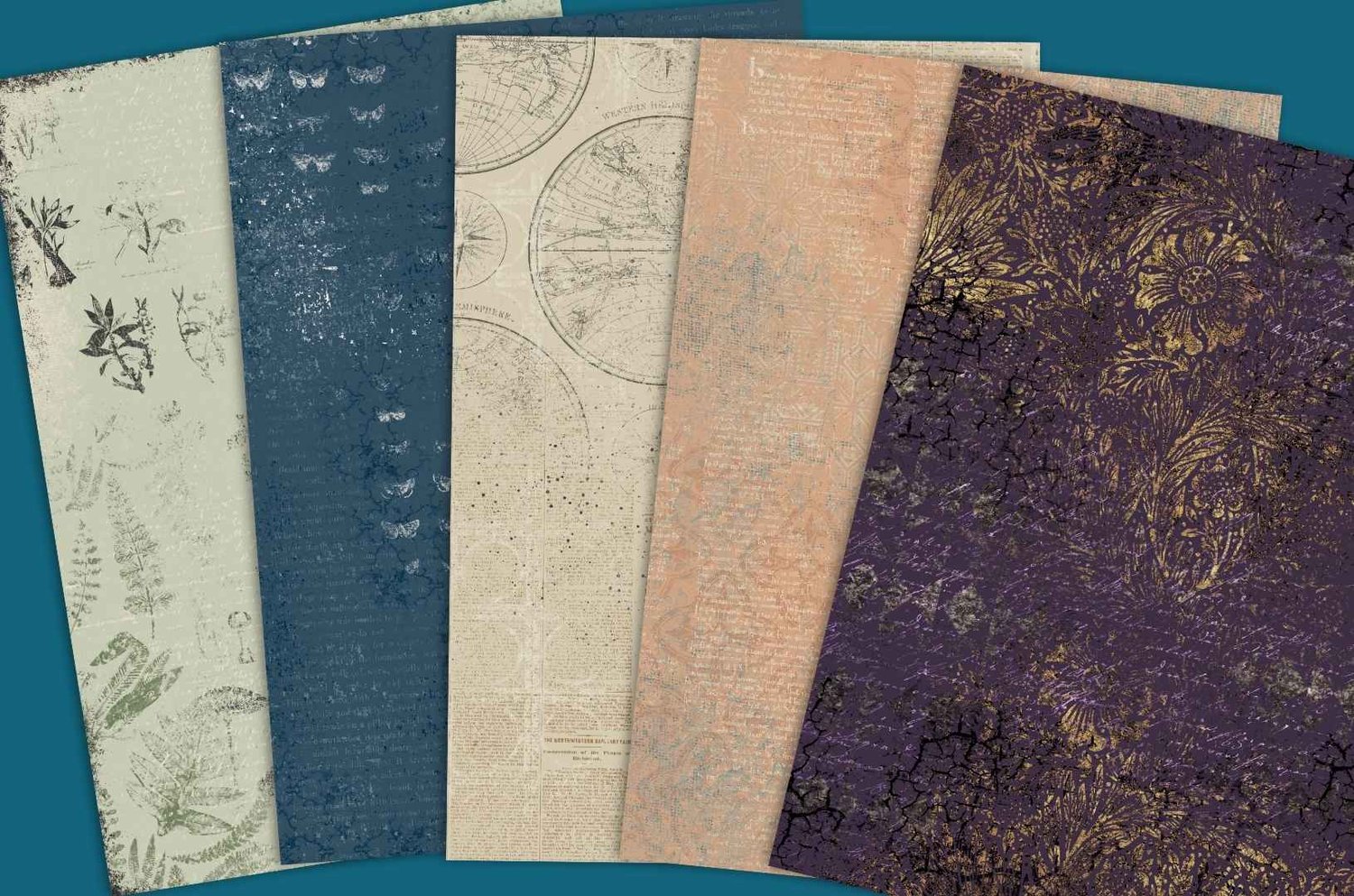
If you love collage, you've probably bought digital papers before. But have you ever made your own? It's easier than you might think, and there's something really satisfying about building a collection of papers that match your person...
Read More
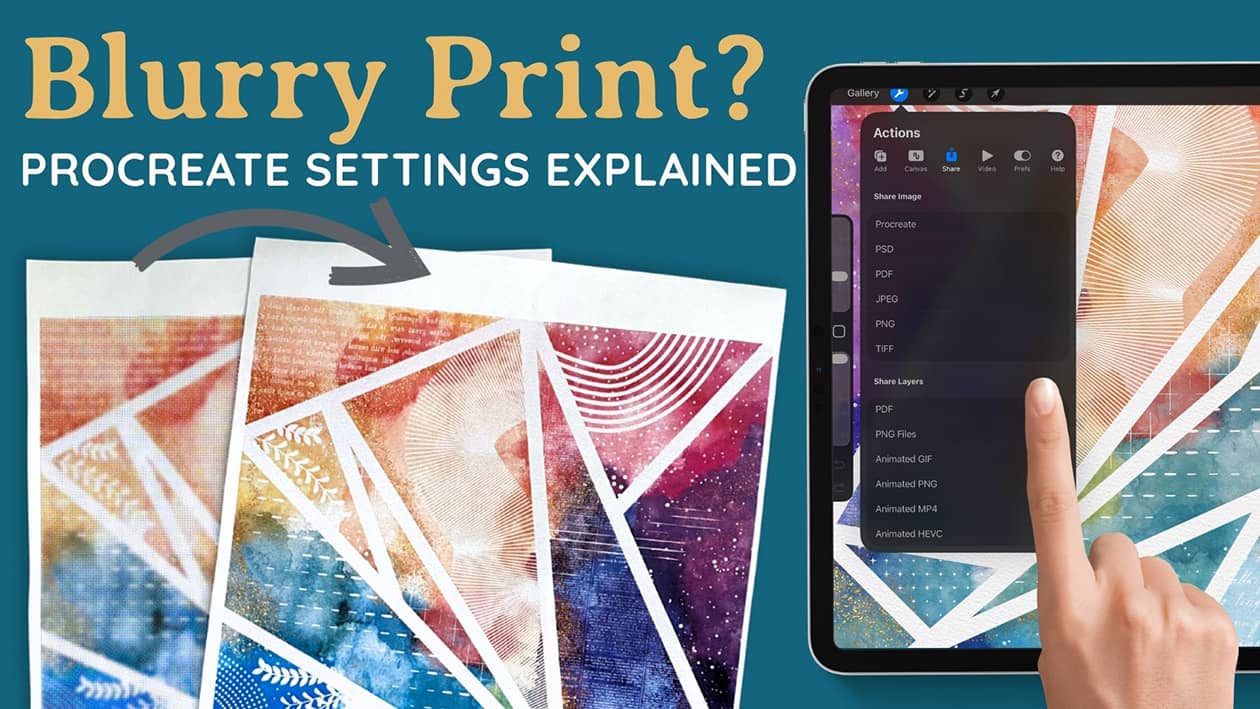
One of the questions I get asked more than almost anything else is how to export artwork from Procreate, which format to use, and why the finished file looks blurry. So I've put together a walk through of every option in the share menu, what ea...
Read More
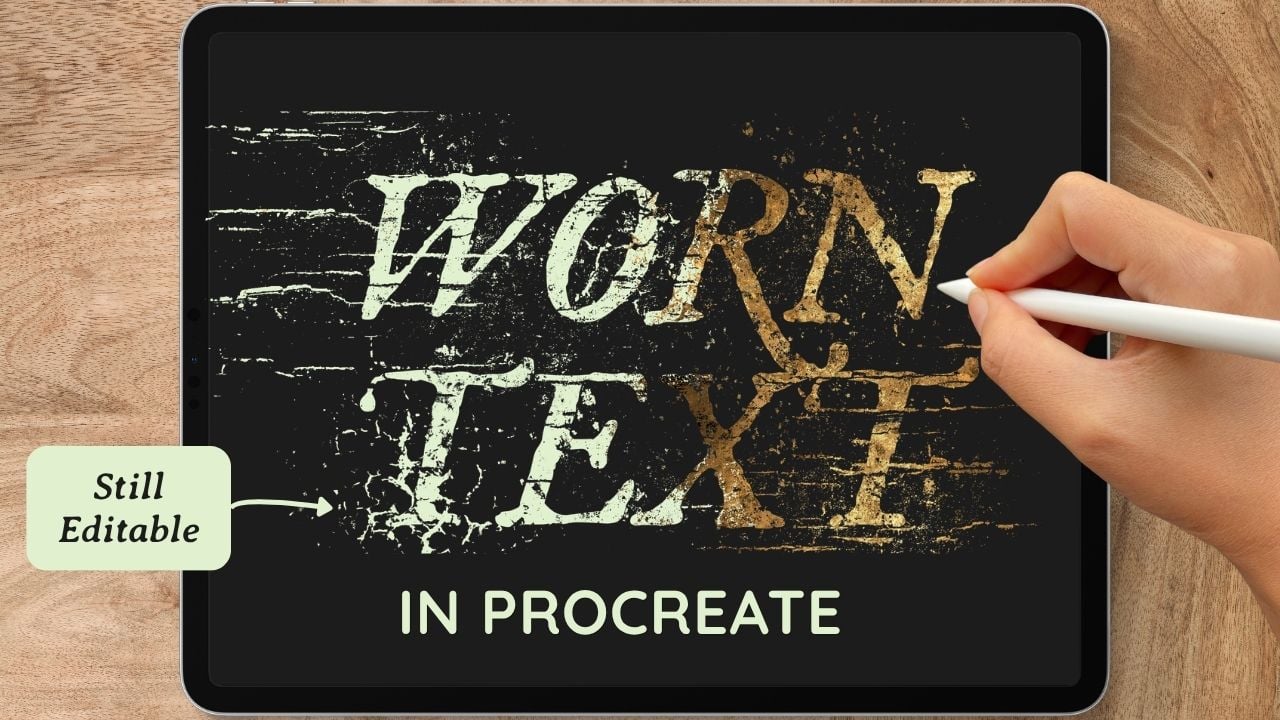
While working on the title image for my new Pattern Decay brush set, I developed a process for distressing the title text that I wanted to share in this tutorial. We'll add a font, then break it up with texture brushes using a layer mask, which...
Read More

If you've ever tried to make a digital journal or notebook in Procreate using Page Assist, you might have run into the same problems I did: not enough layers for mixed media, paper textures disappearing, and a workflow that feels a bit clunky. I've ...
Read More

In this Procreate tutorial, I'll show you how to make a triptych using digital alcohol ink brushes. A triptych is a piece of artwork consisting of three panels meant to be displayed together. We'll create three panels with a cohesive abstract alcoho...
Read More

Today I wanted to explore a question that I get a lot - the difference between alpha lock and clipping mask in the Procreate digital art app, and how to do each one. The functionality is similar, but there are pros and cons to consider. Alpha Lock A...
Read More

Today, we're going to do something new - moving away from Procreate for the time being to explore a few of the filters available in a different app called iColorama. I am not affiliated with this app, but it's something that I've noti...
Read More

Today's tutorial is something quite different than what I normally do. I am bringing you a quick tip for editing a photo in Procreate! Have you ever taken the most perfect photo, but there is a person or object in the background that low-key ru...
Read More

n today's tutorial, we will explore a fun way to use the standard Quick Line tool that comes with Procreate. I love to mix things up by exploring what's possible when you make art using both my brushes and the excellent free tools that com...
Read More

In today's tutorial, we create an Aurora Borealis piece using the Motion Blur tool with my Galaxy and Winter Magic Brush sets. In keeping with last week's theme, we are pairing another standard Procreate tool with my brushes. Incorporating...
Read More

In today's video, we are making an alcohol ink art piece in Procreate using the Liquify tool. It is not strictly necessary to use the Liquify tool with my Amazing Alcohol Ink brushes and if you've seen a lot of my videos you'll know ...
Read More

For today’s tutorial, I wanted to demonstrate how to make a gold glitter border in Procreate using my Gold Rush brushes, and export that image with a transparent background so that it can be layered on top of other images. This great for anyone...
Read More