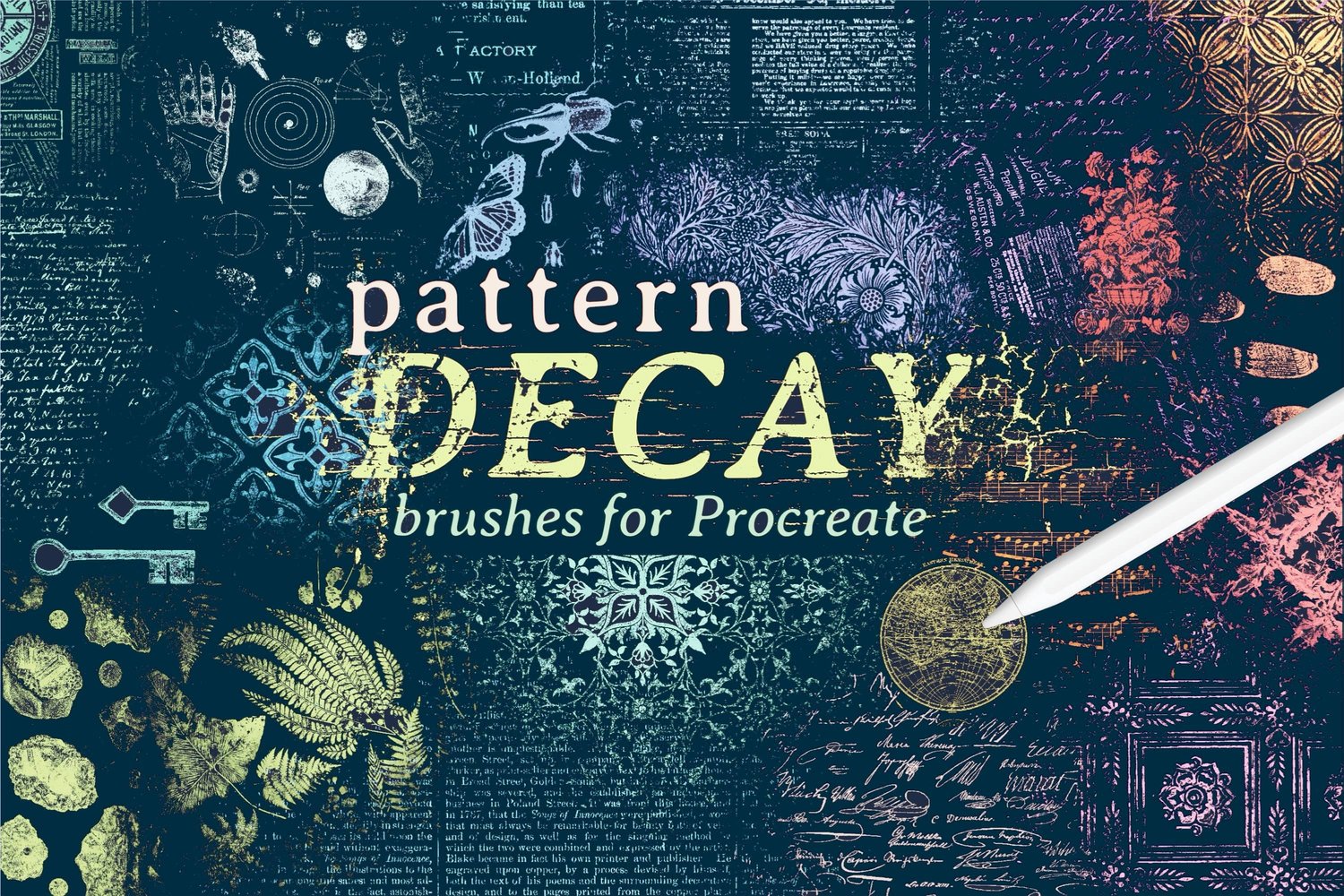
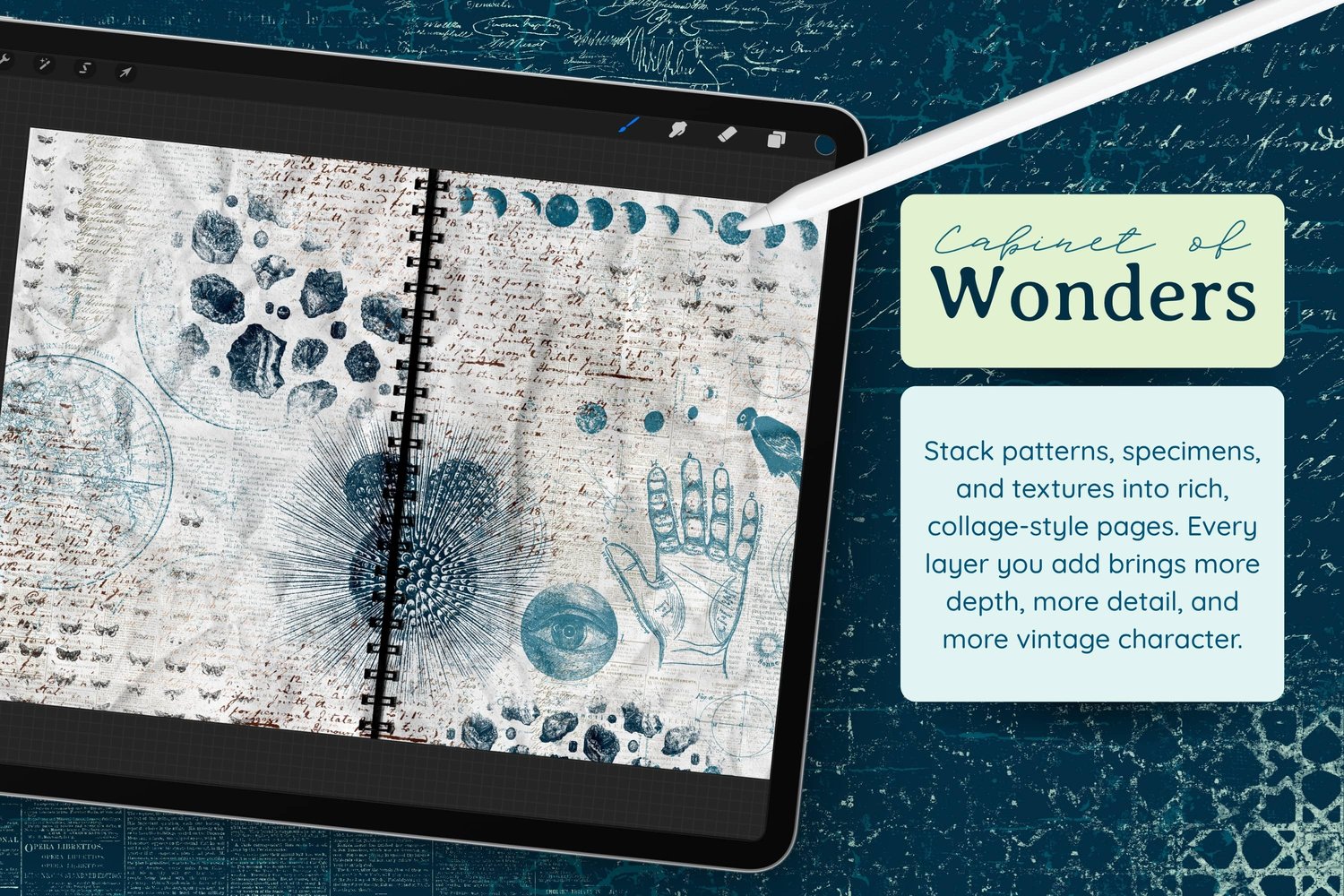
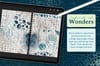
Let's do a digital art journal page today. This time we're making a naturalist journal page, the kind a Victorian field scientist might have scribbled in: moths, mineral specimens, moon phases and messy handwritten notes, all layered over soft antique text. Make your page alongside mine, or let yours wander somewhere completely different.
This is part of my Digital Journal With Me series, so feel free to make your page alongside mine, with these brushes or any others. Every page turns out different, and that's the fun of it.
Canvas Setup
- Template: Procreate Journal Template
- Brush Set and Color Palette: Pattern Decay
My template layer settings:
- Handmade Paper and Crumpled Paper textures, both set to Multiply at max opacity
- Deep Shadow set to Multiply at 50%
- Creased Texture set to Linear Burn at full opacity
- Spiral Binding turned on
Step 1: Build a Soft Text Background
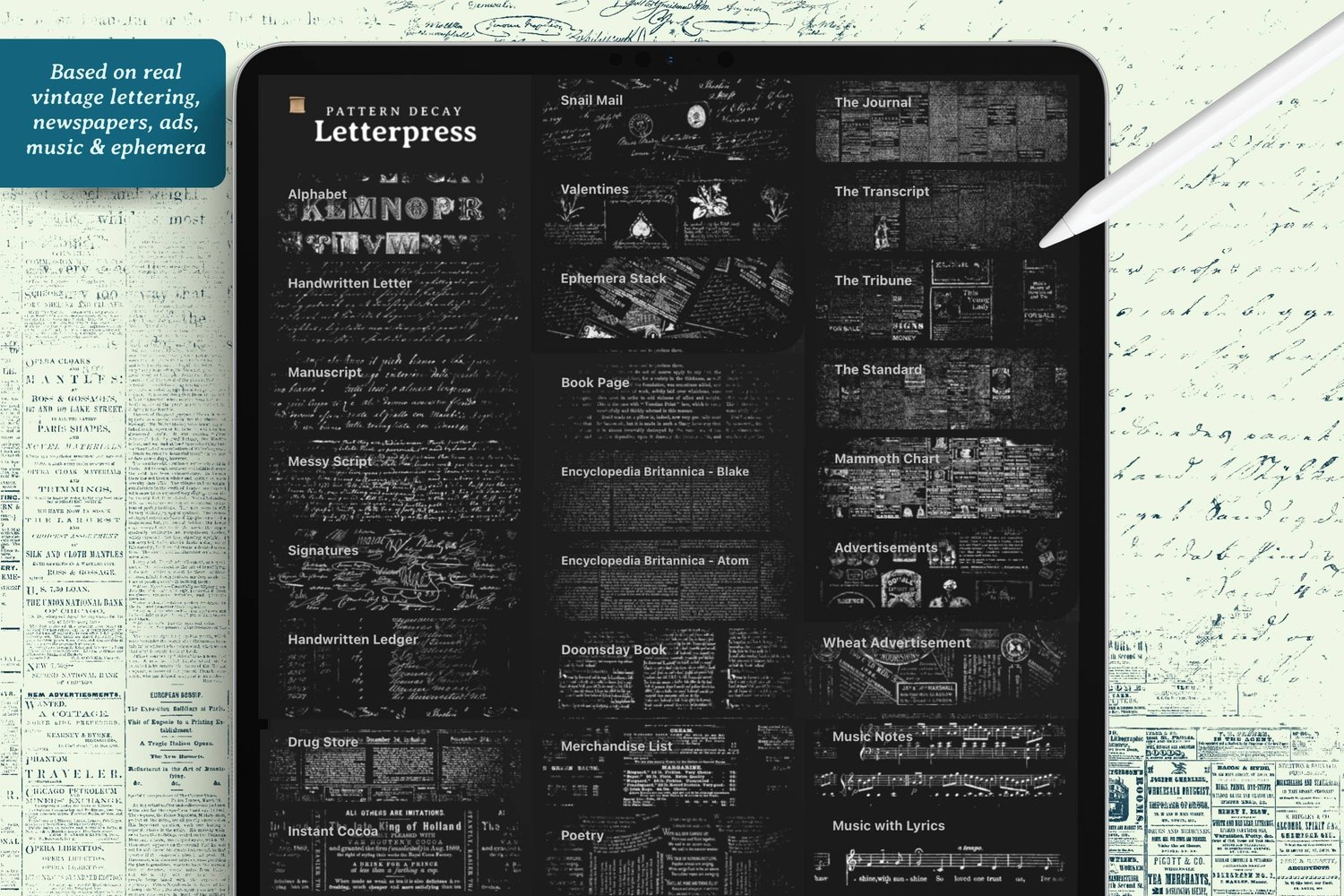
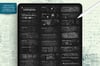
Choose a light grayish green and head to the Letterpress section of the brush set.
Brushes Used (Pattern Decay set):
- The Journal – classic, barely legible newsprint texture
- Manuscript – layered in a pinkish neutral for variety
- Handwritten Ledger – a darker grayish green, running off one corner
- Encyclopedia Britannica – grayish blue, filling in the blank areas
Keep each element on its own layer as much as possible. You don't need to name or organize them, but separate layers mean you can go back and edit or erase anything later. And it's okay if the textures mix and overlap. That's part of the aged, layered look.
Step 2: Add Curiosities
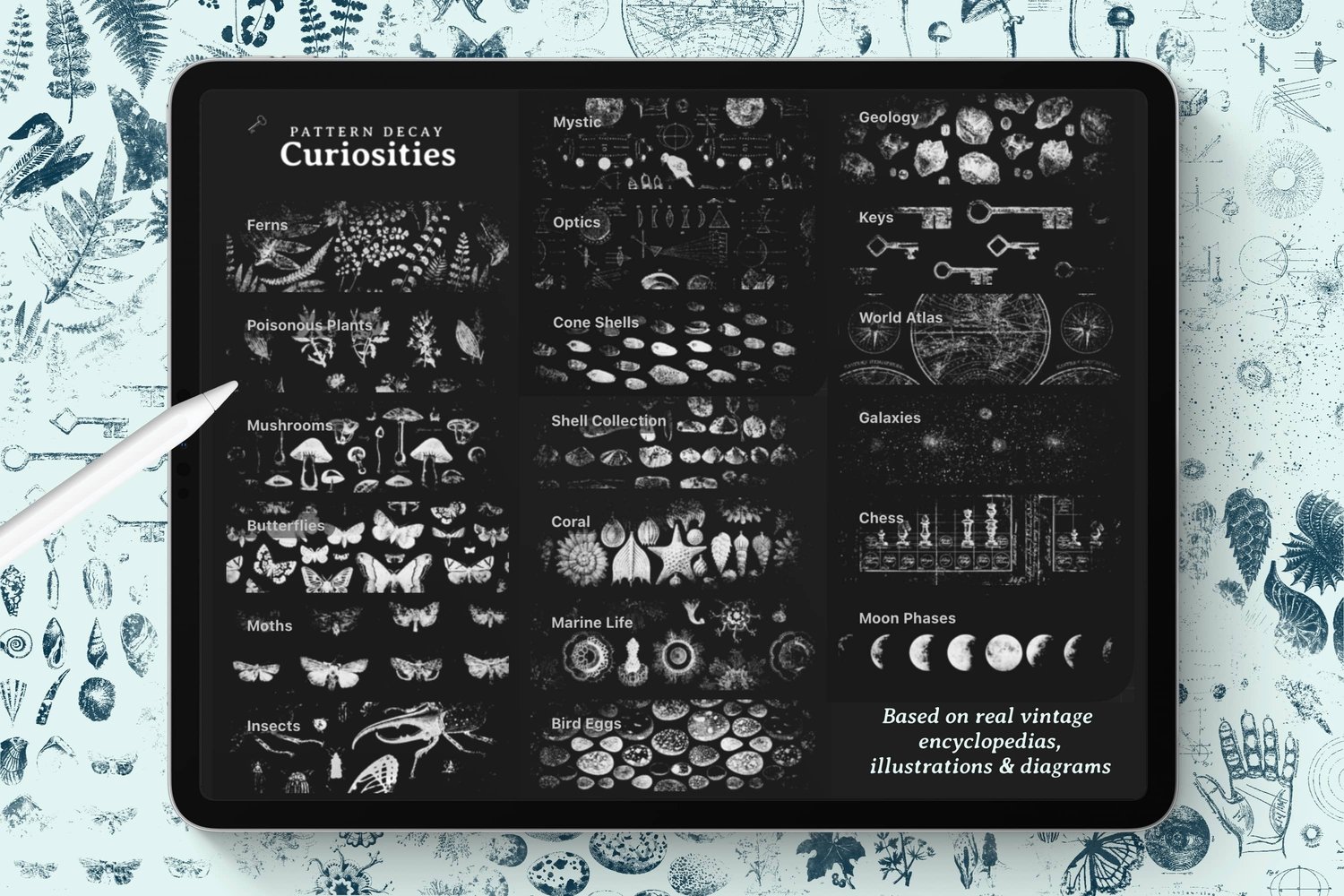
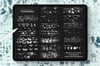
Now for some more prominent elements. Staying in the grayish blue, move to the Curiosities section.
Brushes Used (Pattern Decay set):
- Moon Phases – one line of phases along the top edge, using light pressure so the different phases come through faded
- World Atlas – placed so its circles echo the moon shapes
- Mystic – in a green, scaled up a little, letting the hand, crow and eye elements drift across the page
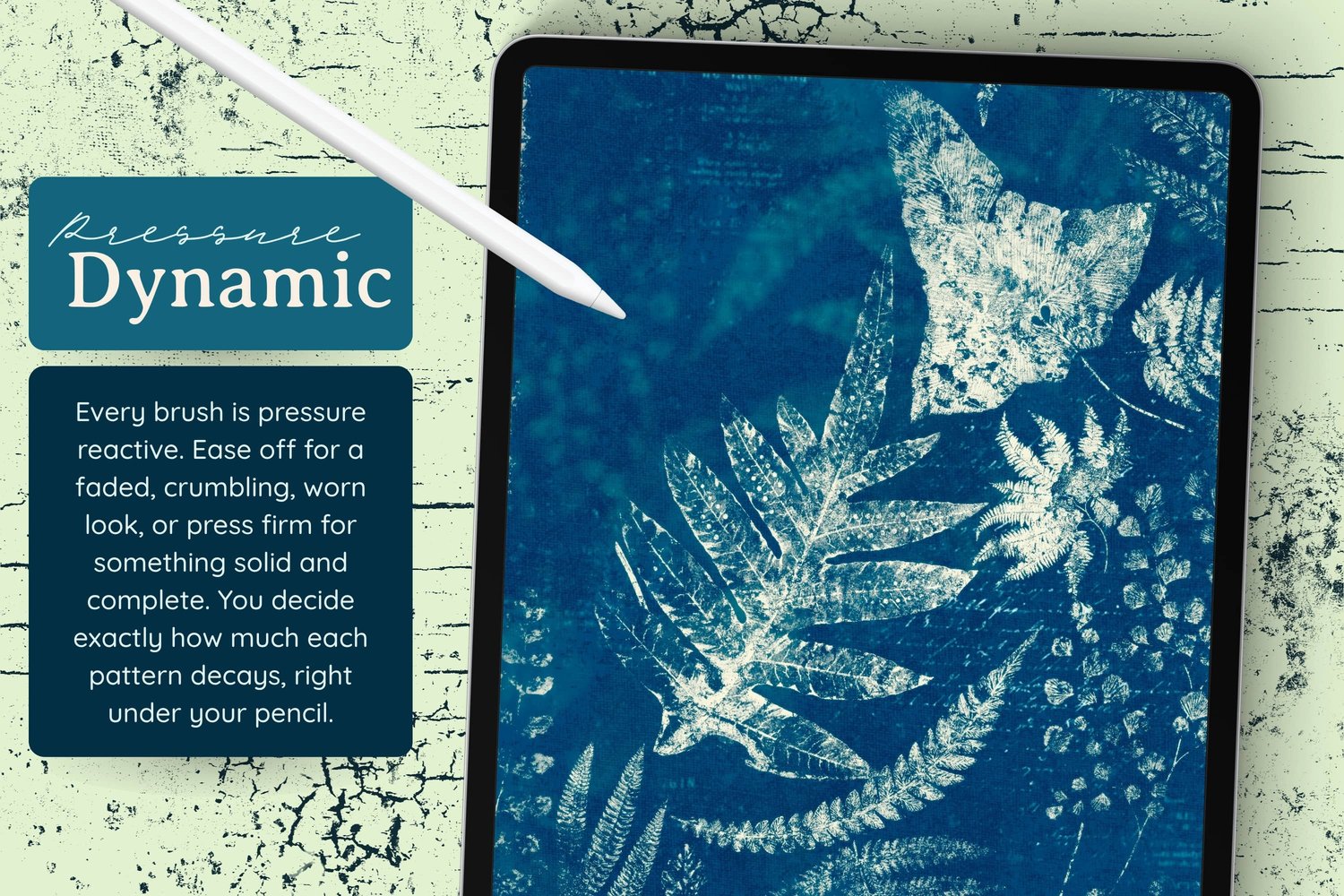
These brushes decay as you ease off, so a gentle touch gives you those ghostly, half-faded impressions that make the page feel genuinely old.
Step 3: Create a Focal Point with Coral
Choose a much darker color now, a grayish blue that's almost black, to give the page some contrast.
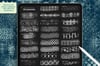
Brushes Used (Pattern Decay set):
- Coral – lay down the pattern, then switch to your eraser (with any basic brush) and erase everything except the single coral element you want to keep
This is a handy trick worth remembering: these are pattern brushes, but you can treat the individual elements as stamps by erasing around the piece you like. This is exactly why keeping everything on its own layer pays off.
Step 4: Bring in the Specimens
Keep the same dark color and continue the natural history feel.
Brushes Used (Pattern Decay set):
- Geology – rock and mineral illustrations, placed once at full size and echoed smaller elsewhere on the page
- Moths – kept small, with varied pressure so some moths appear as bare halos of the pattern
Letting some elements stay really faint gives the page depth, like older entries showing through the paper.
Step 5: Finish with Messy Script
To finish the naturalist journal feel, pick one of the more prominent brown tones from the palette.
Brushes Used (Pattern Decay set):
- Messy Script – midsized, laid right over the top of everything as the main writing mark, then repeated off the edges and corners with a bit more pressure
This brush feels like the scrawled field notes of a naturalist out observing plants and animals, which pulls the whole page together.
Optional Adjustments
- Try a completely different color story from the Rust & Patina palette. The warm rusts would push the page toward old botanical prints instead of the cool, mystical feel here.
- Swap the Curiosities elements for others in the set. Keys, shells or butterflies would each steer the page somewhere new.
- If an element feels too heavy, lower its layer opacity or change the layer's blend mode rather than erasing it.