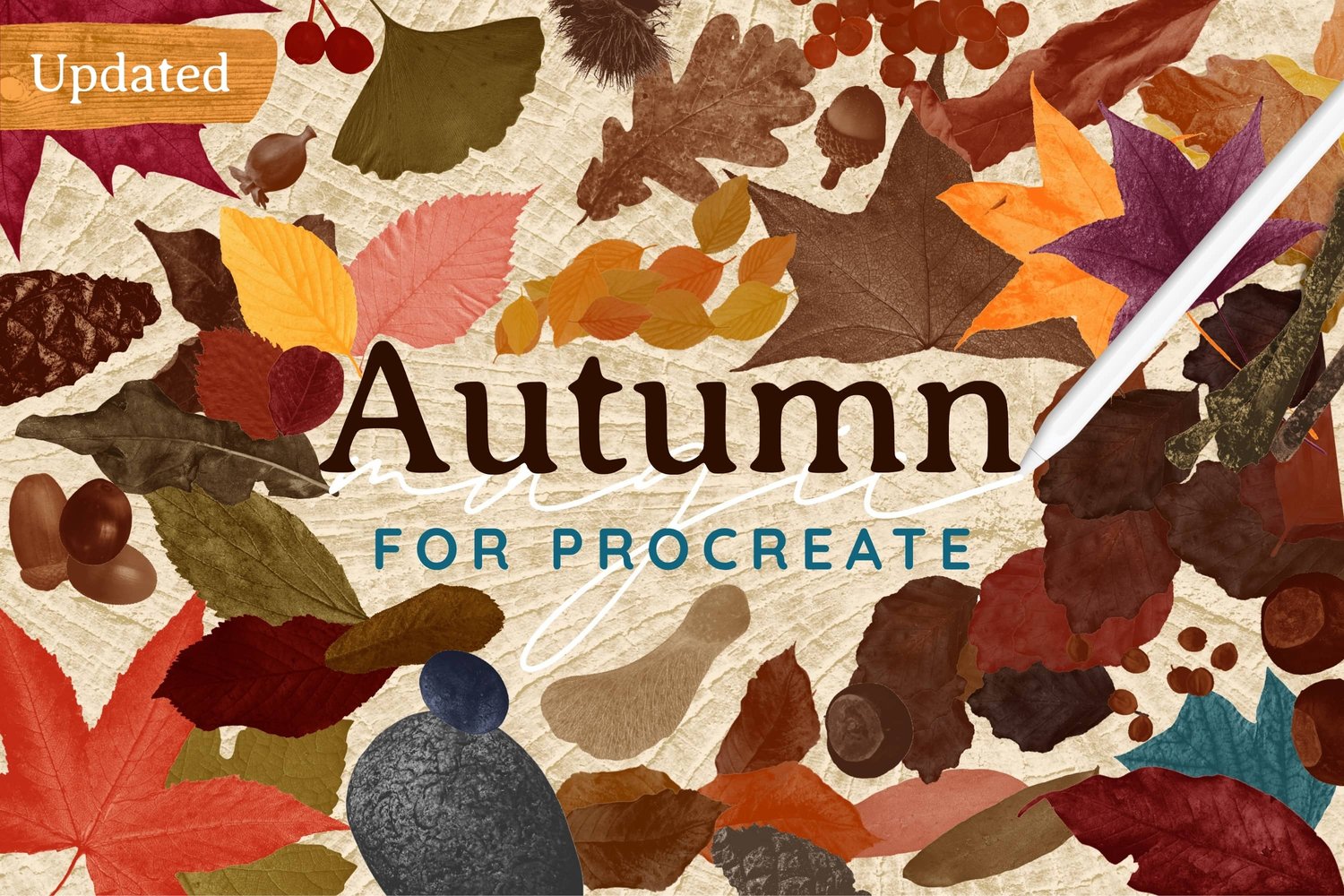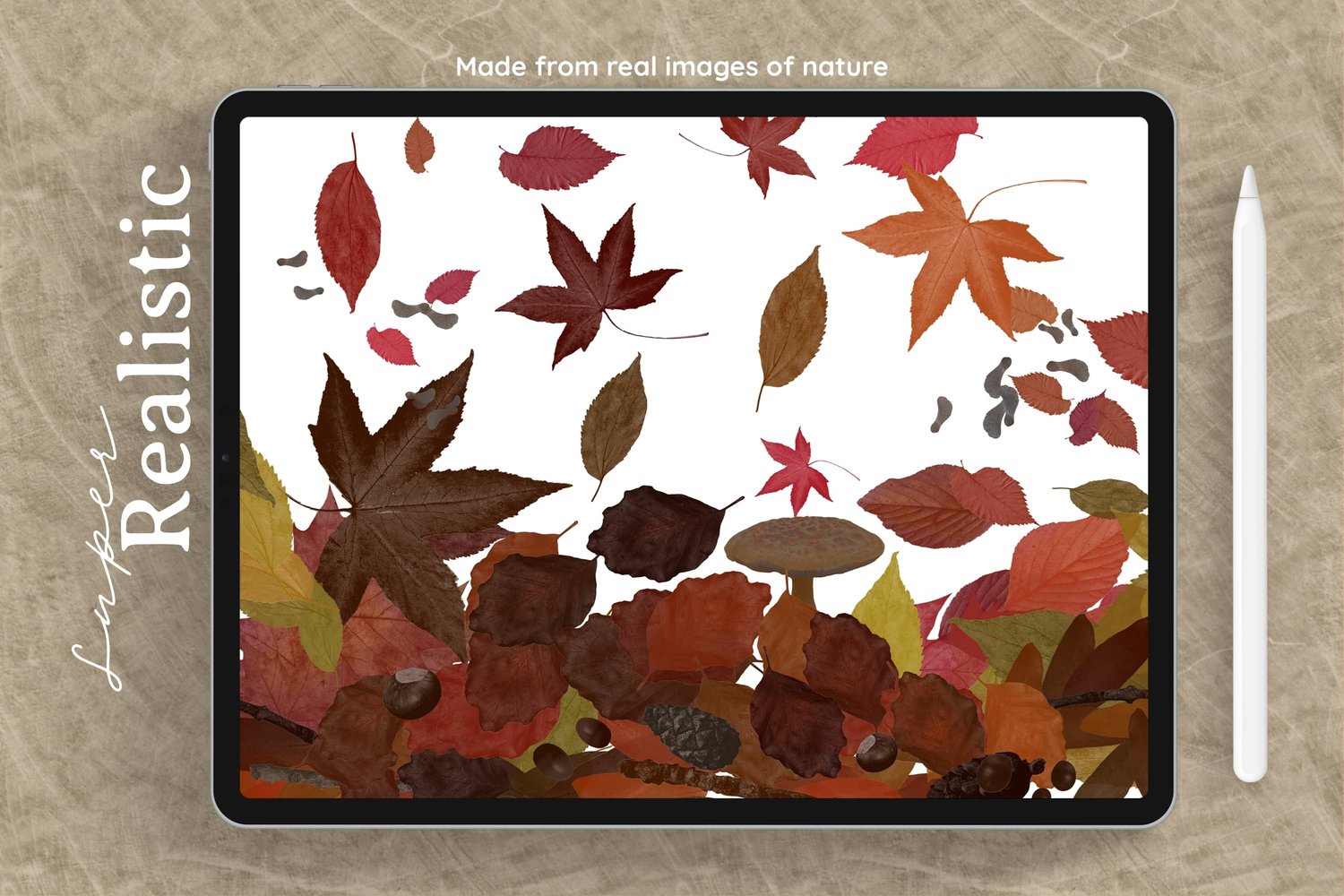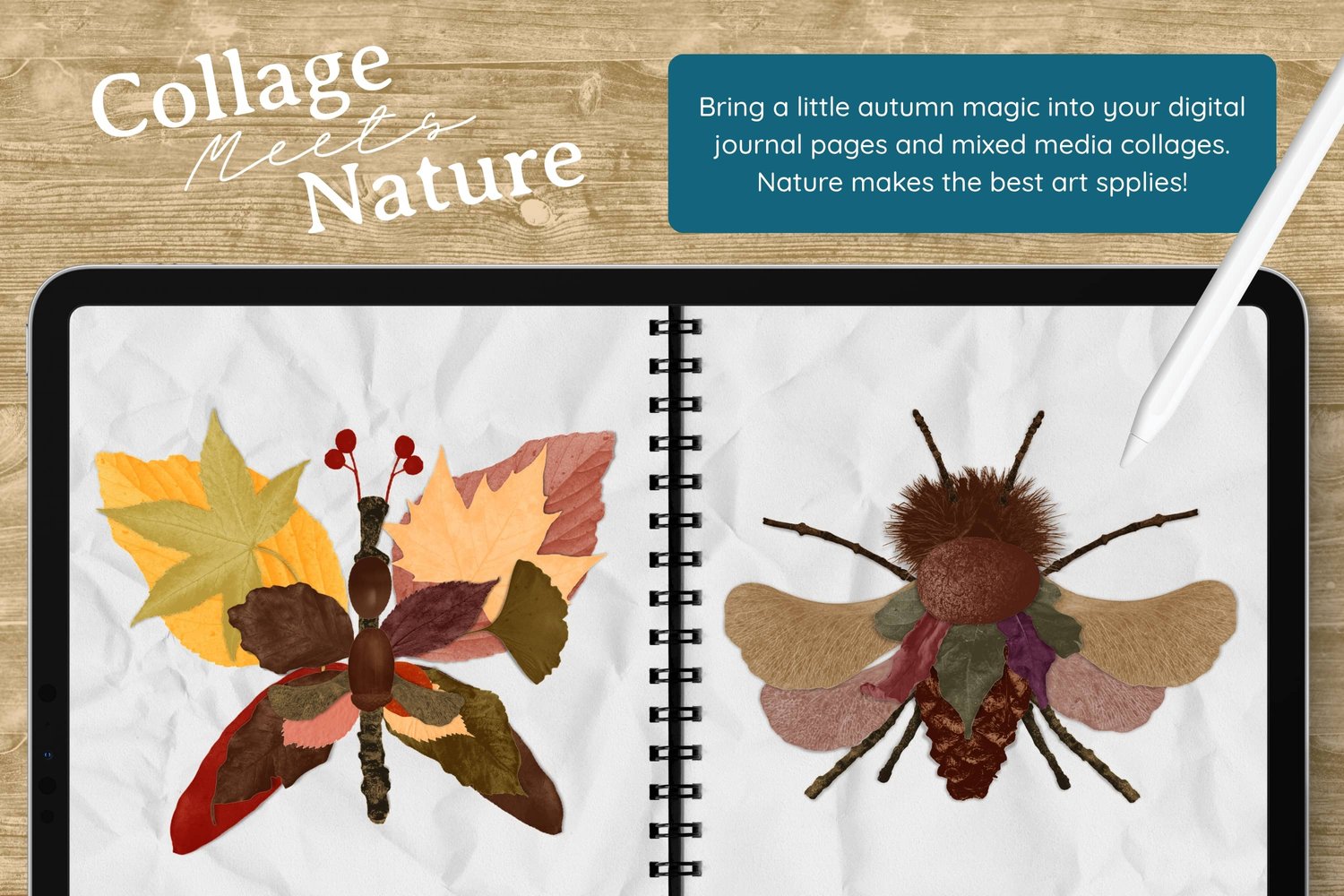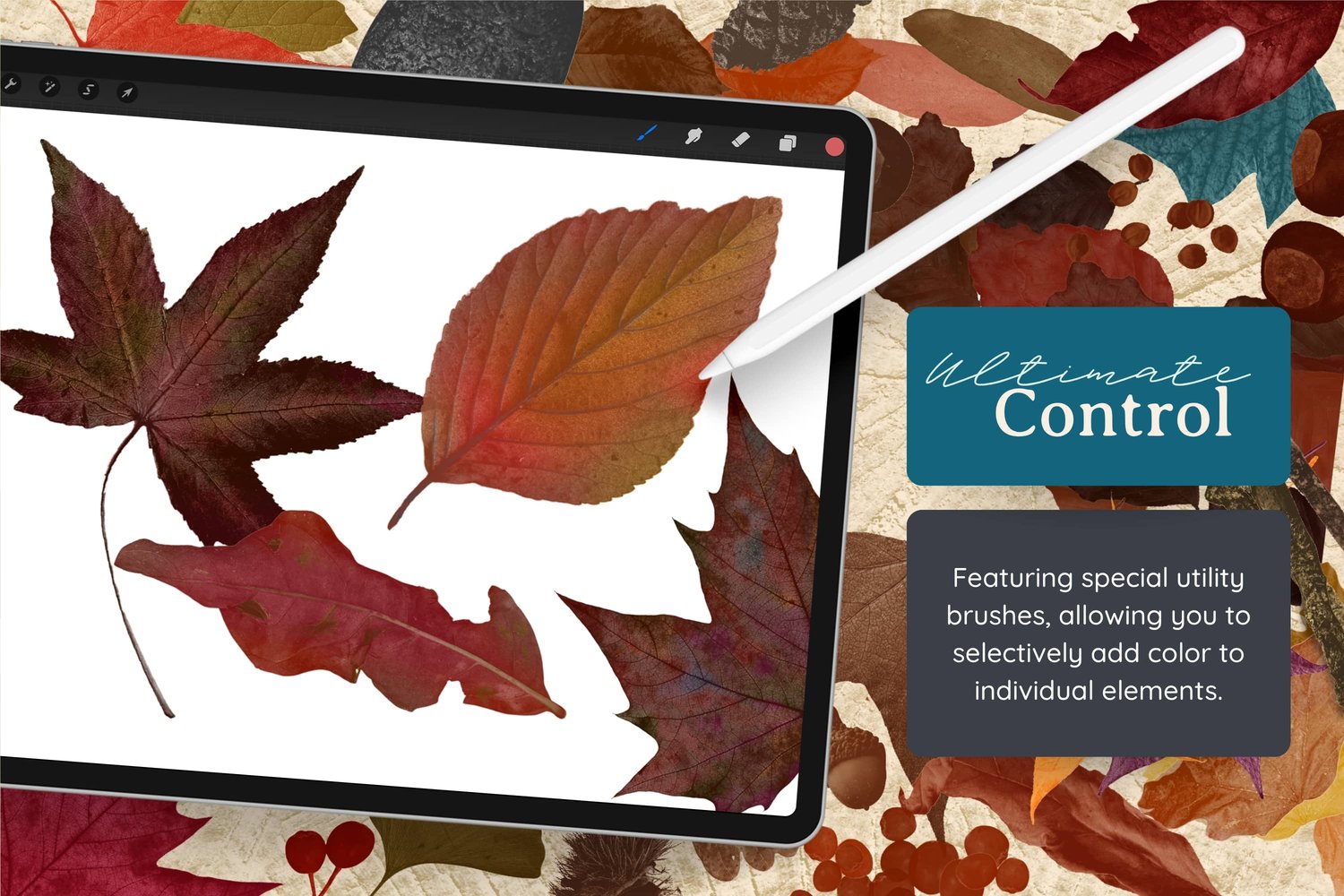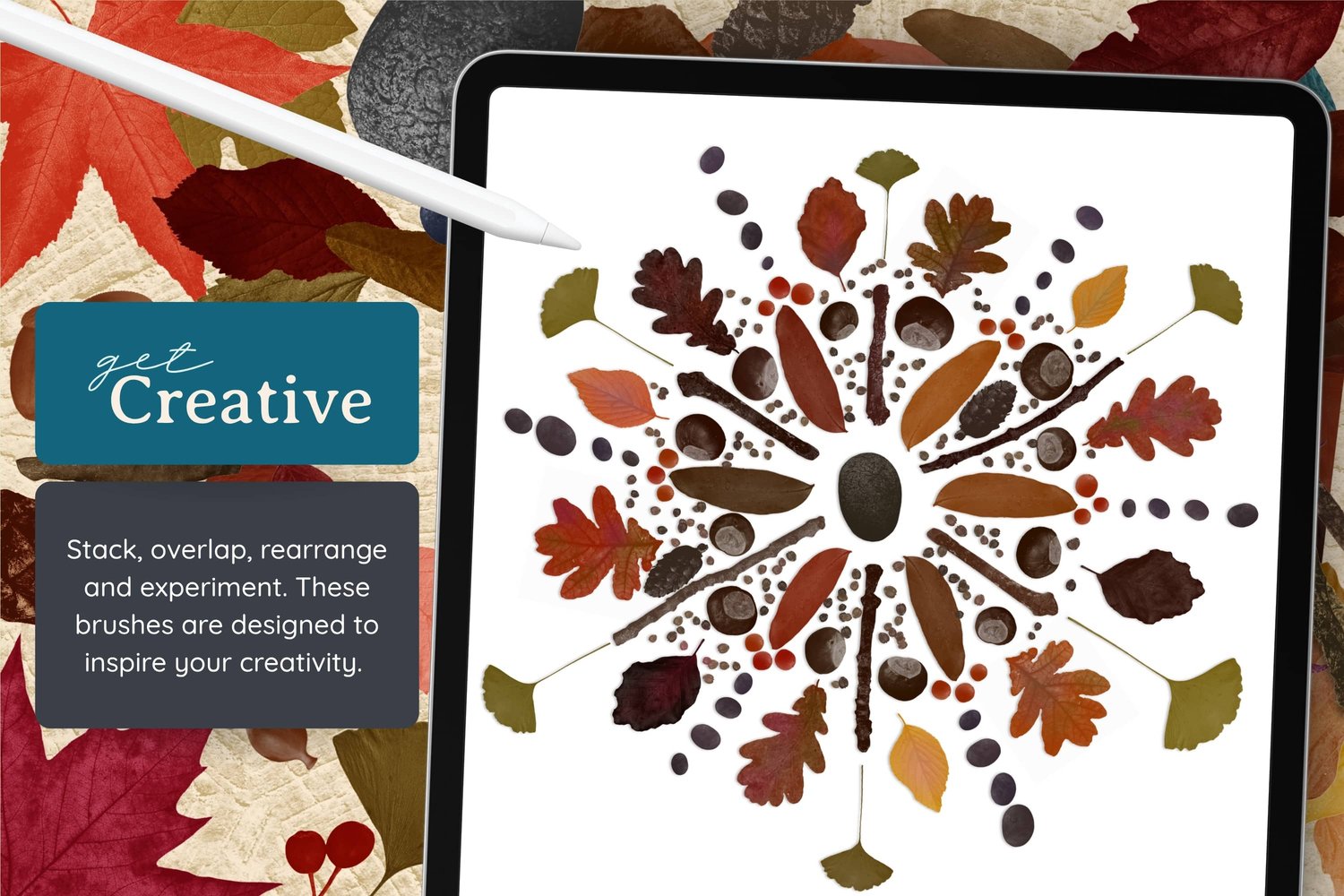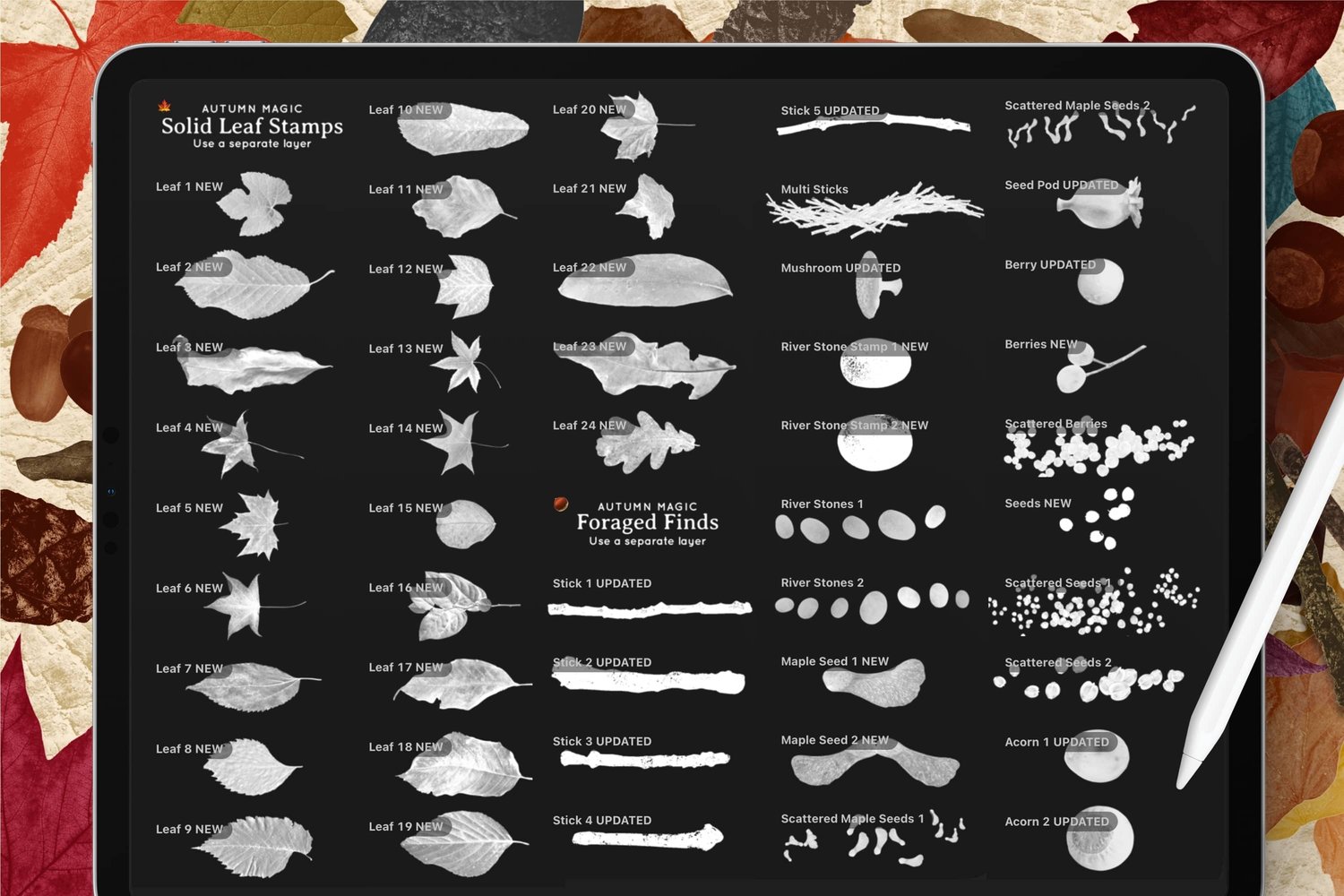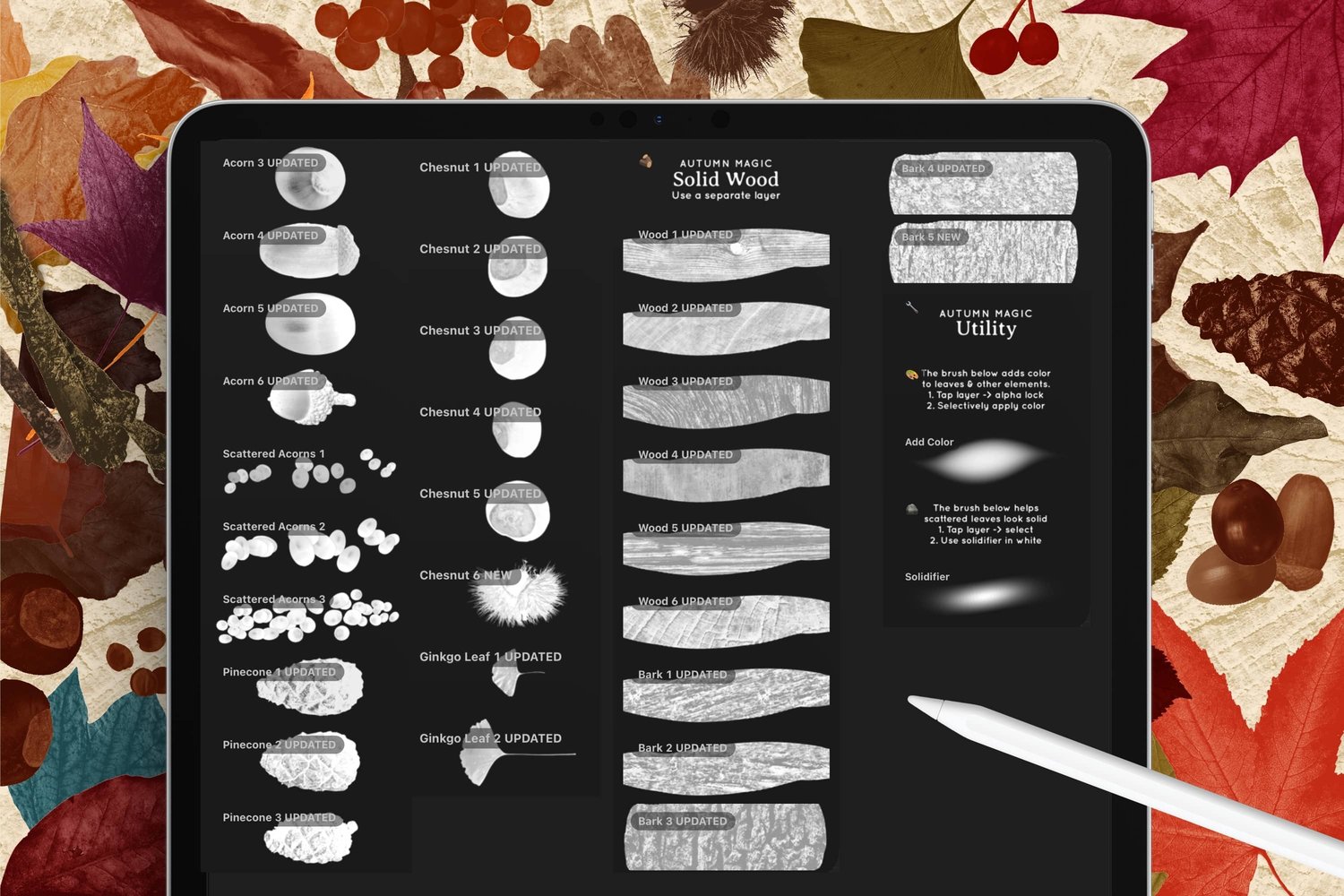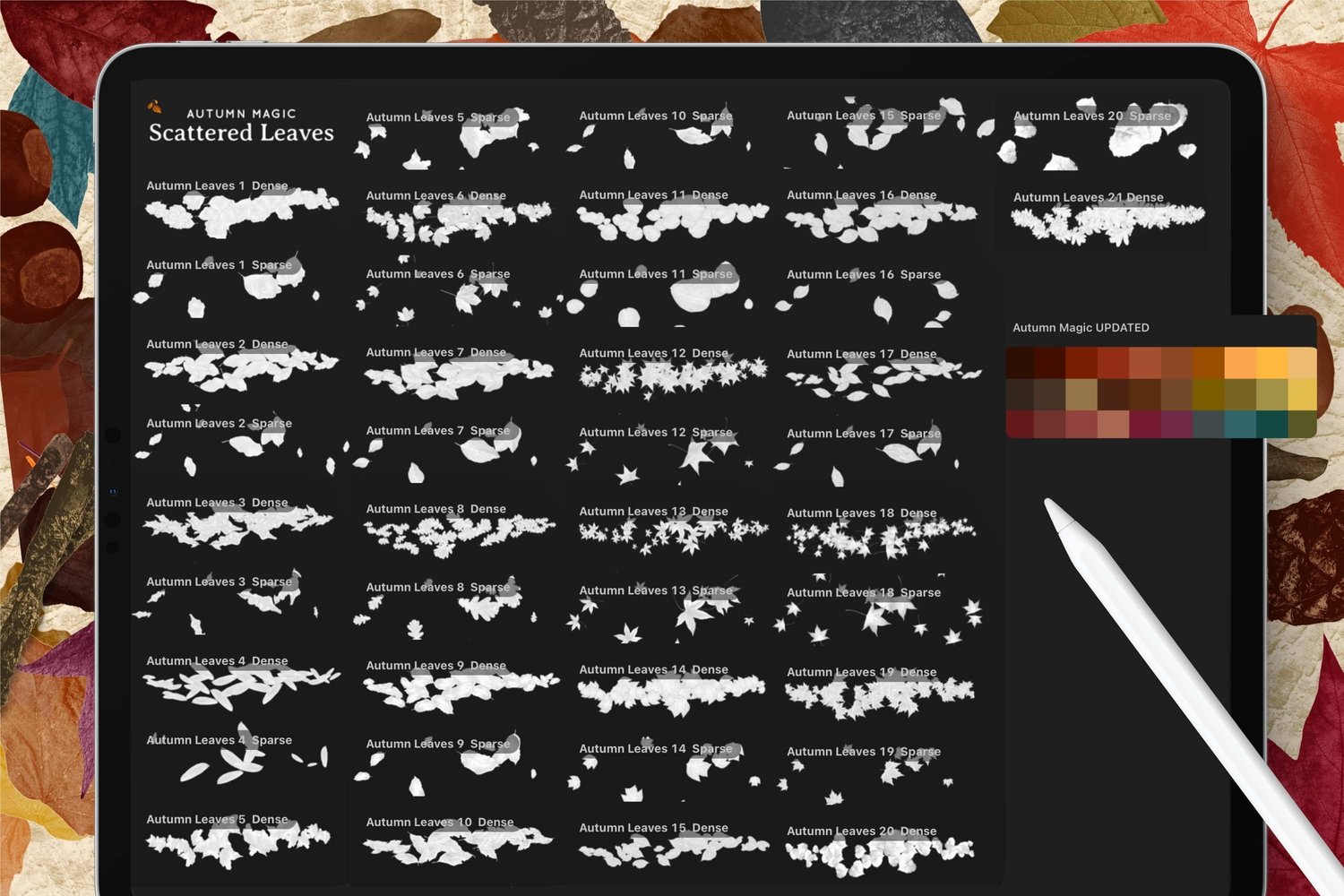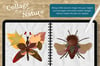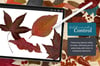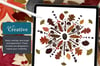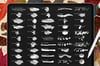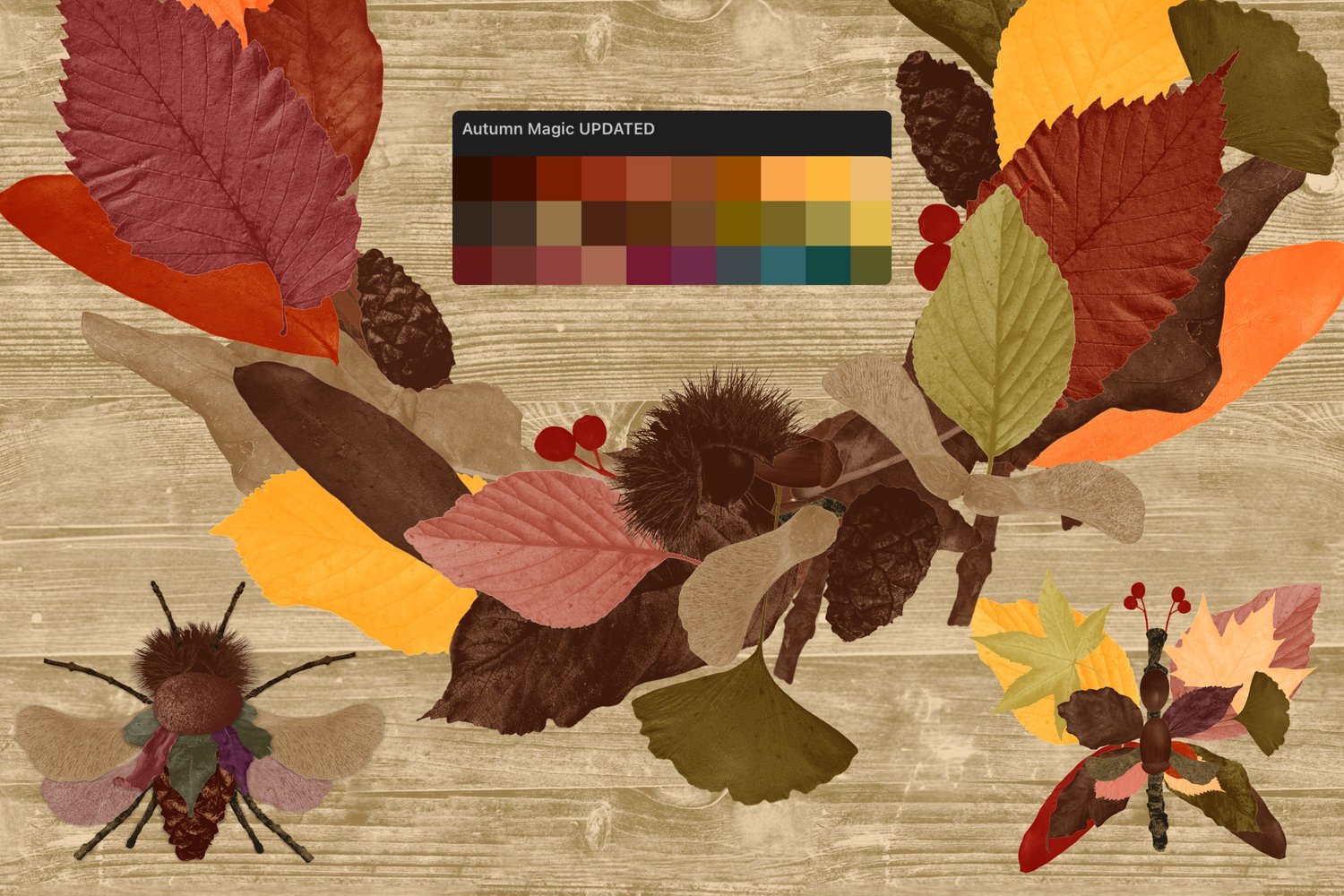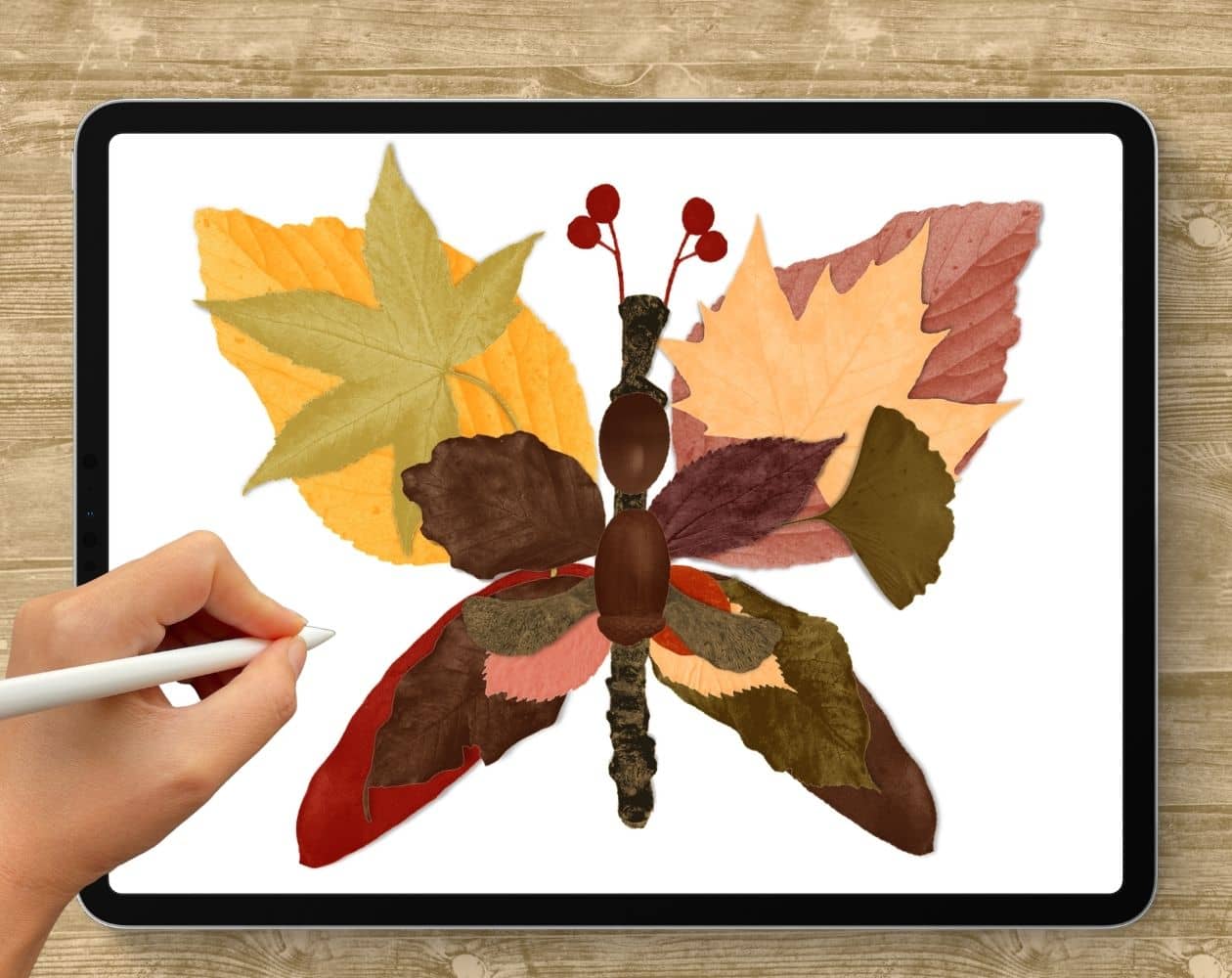
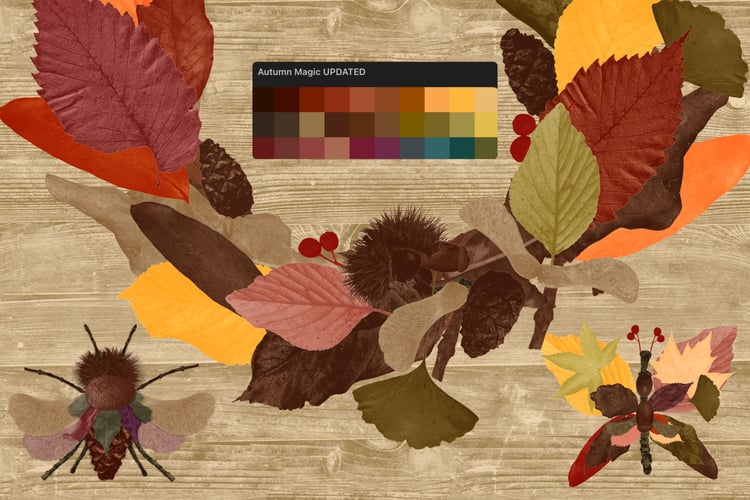
I wanted to make something quirky for today's tutorial: a digital butterfly collage built entirely out of leaves, sticks, acorns and berries, using my newly updated Autumn Magic brushes. The idea is to train your eye to look at shapes in unconventional ways, so a leaf becomes a wing, an acorn becomes a body, and a berry twig turns into an antenna. Once you get the hang of it, you can make a bee, a frog, or any odd little creature that pops into your head.
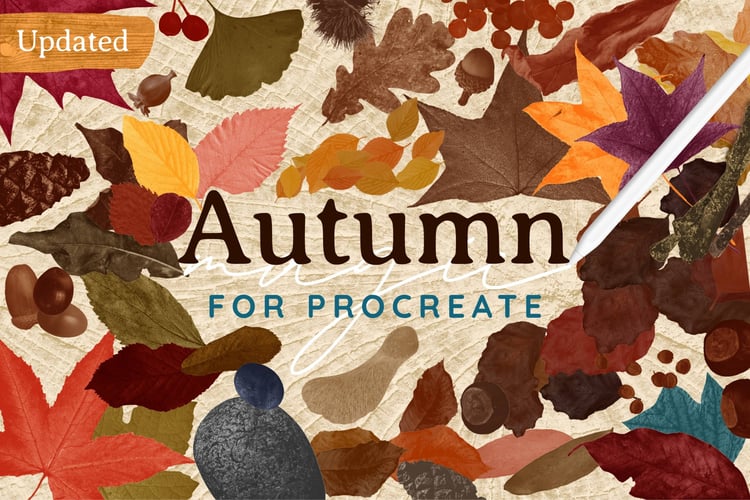
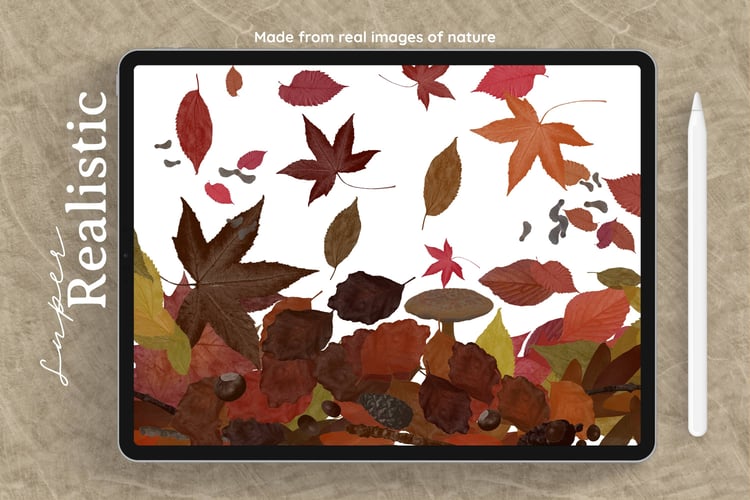
I'm using my Autumn Magic brush set in this tutorial. If you'd rather go on a walk and collect your own leaves, I have a tutorial on removing backgrounds from photos in Procreate that shows you how to get them ready to use.
Canvas Setup
- Size: 6 × 6 in at 300 DPI (1800 × 1800 px)
- Brush Set: Autumn Magic (the leaf stamps plus the Foraged Finds section)
- Colors: I'm using the Autumn Magic Color Palette
Step 1: Lay Down the Body
Start with a neutral brown and scroll down to the Foraged Finds section.
Brushes Used (Autumn Magic):
- Stick #3 for the butterfly's body
Point your pen in the direction you want the stick to go, then tap to stamp it roughly in the middle of the canvas. Turn snapping on in the Move tool so you can see the orange guide lines and center it properly, then rotate it a tiny bit if you need to. I liked having the knobbly end at the top because it looks a bit like a little butterfly head.
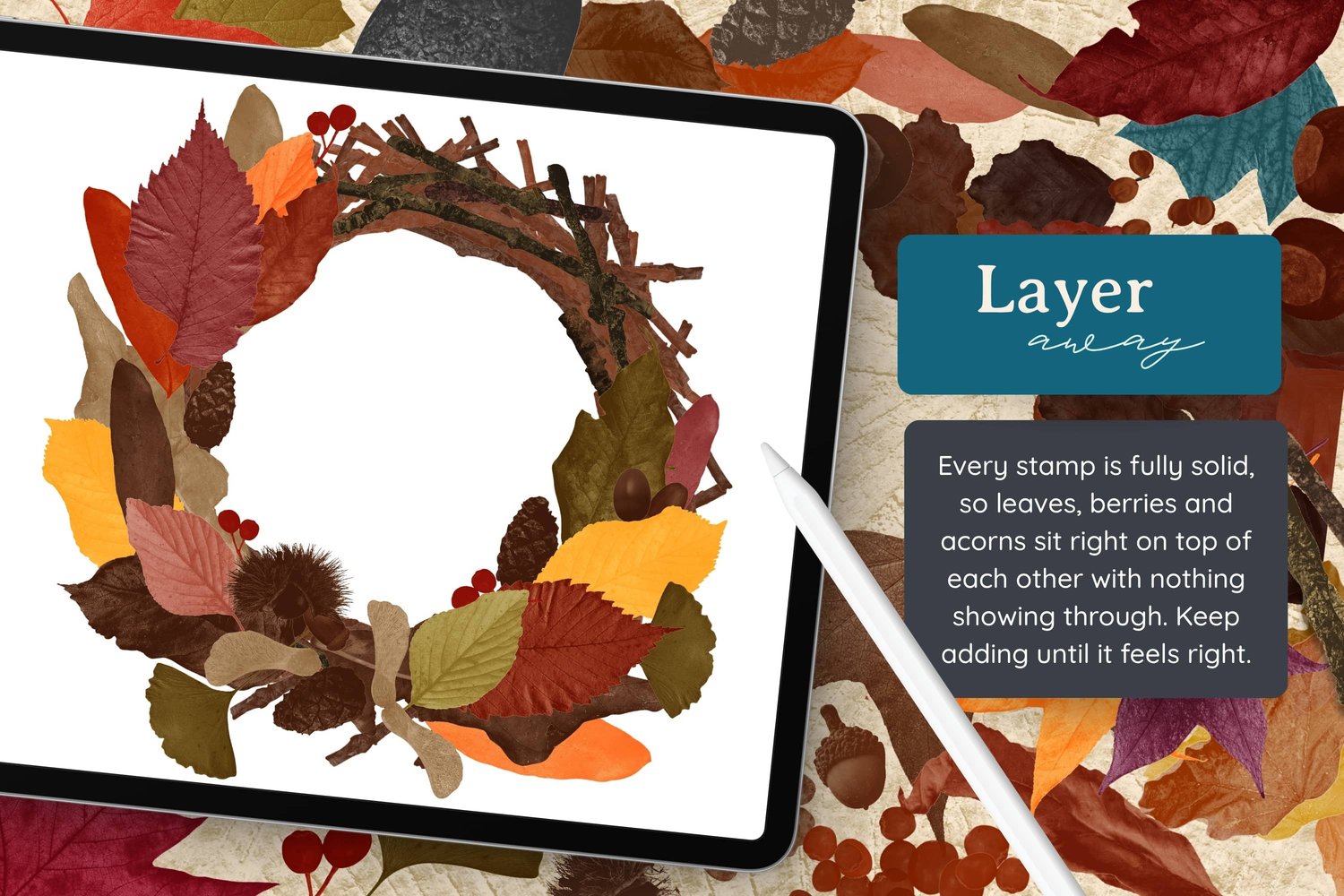
Give every stamp its own layer. This is the most important habit for this project. If two stamps land on the same layer, they overlap and you can't separate them afterwards (I did this by accident in the video, so you can see what happens). Separate layers mean you can rearrange everything freely and merge later if you want to.
Step 2: Build the Wings
Now for the basic wing shape: two leaves on top, two on the bottom.
Brushes Used (Autumn Magic):
- Leaf #19 in a greenish yellow for the top left wing
- Leaf #19 again in pink for the top right wing
- Leaf #22 in brown for the bottom left wing
- Leaf #22 in a reddish brown for the bottom right wing (flipped)
Set the brush size to around 20%, point your pen toward the corner you want the leaf to face, and tap. Then size it down with the Move tool if it's a bit big. Keep your stick layer at the top of the stack so the body always sits over the wings.
I could have just duplicated the first leaf, but I didn't want it to be super symmetrical. Real leaves wouldn't match perfectly, so changing the color and flipping one or two keeps it feeling natural. I also turned snapping off at this point to have a bit more control over the placement.
Step 3: Add More Quirky Layers
This is where it gets fun. Keep adding new layers and tucking in extra leaves wherever the shape feels like it wants something.
Brushes Used (Autumn Magic):
- A small leaf in pink, with a similar (but not identical) Leaf #9 in yellow on the other side
- A green leaf layered on top of one of the wings
- Leaf #5 in yellow for a fun shape poking out
- Leaf #15
- Leaf #11 in brown, sized down a little
There's no plan here, I'm just adding leaves as I go and moving things around until it feels balanced but still quirky. If one side looks heavier, nudge a leaf up or add something small on the other side. You can also drag a layer below another to tuck a leaf behind its neighbor.
Step 4: Bring in the Foraged Finds
Scroll back down to the Foraged Finds section for some non-leaf shapes.
Brushes Used (Autumn Magic):
- Ginkgo Leaf in dark green
- Maple Seed in beige
I added the ginkgo leaf on the opposite side from the other green leaf because things were feeling a bit out of balance. Move it down a little if the stem stretches over the top of another layer.
For the maple seed, hold your pen sideways so it stamps at an angle, then size it down.
Step 5: Make a Few Adjustments
Take a step back and look at the whole thing. I made a couple of layers a bit smaller so they matched their neighbors more closely. I wanted it somewhat uniform, but not too uniform, so I kept the wonkiness of a couple of the odd shapes. That wonkiness is part of the charm.
Step 6: Add Antennae and Body Details
Brushes Used (Autumn Magic):
- Berry Twig in bright red for the antennae
- Acorn #4 (with its cap on) in a nutty brown for the main body
- Acorn #5 in the same brown
- Leaf #17 in nutty brown and Leaf #18 in green to fill in the bottom
On a new layer above everything, stamp a berry twig and use the Move tool to angle it up and out from the head. Duplicate it, flip the copy, then select both layers and size them down together. Keep nudging until you're happy with where they sit. If they end up on top of the stick, just drag the stick layer back above them.
Next, add a new layer above the stick and stamp the acorns along the body. This gives the butterfly a bit more structure in the middle.
Finally, I noticed the bottom of the wings looked a bit bare, so I added one more leaf above each of the bottom wing layers. Using two similar leaves instead of the same one twice keeps it from looking too matched.
Step 7 (Optional): Add Soft Shadows
This step is completely optional, but a subtle shadow makes the leaves look a little more real, like they're actually sitting on the page.
- Duplicate the leaf layer so you have two identical copies.
- Tap the bottom copy and turn on Alpha Lock so you can't color outside the lines.
- Select black in your colors, tap the layer again and choose Fill Layer. Then turn Alpha Lock off.
- Go to Adjustments > Gaussian Blur and slide it to around 3%. You'll see a soft shadow start to appear around the leaf.
- Lower the opacity of the shadow layer so it isn't too dominant.
- Go to Adjustments > Liquify. Set it to Push, size around 50%, pressure around 50%, with distortion and momentum turned down.
- Gently push and tug the shadow in different directions so the leaf looks a bit crumpled.
I learned the Liquify part from Nicki FitzGerald who is an excellent Procreate collage teacher!
Mix in other brushes. Any stamp brushes you already have will work. Just stack bits of nature together until they turn into a creature.
Try a new critter. A snail, a ladybug, an owl, a fish... look at each shape and ask what it could be.