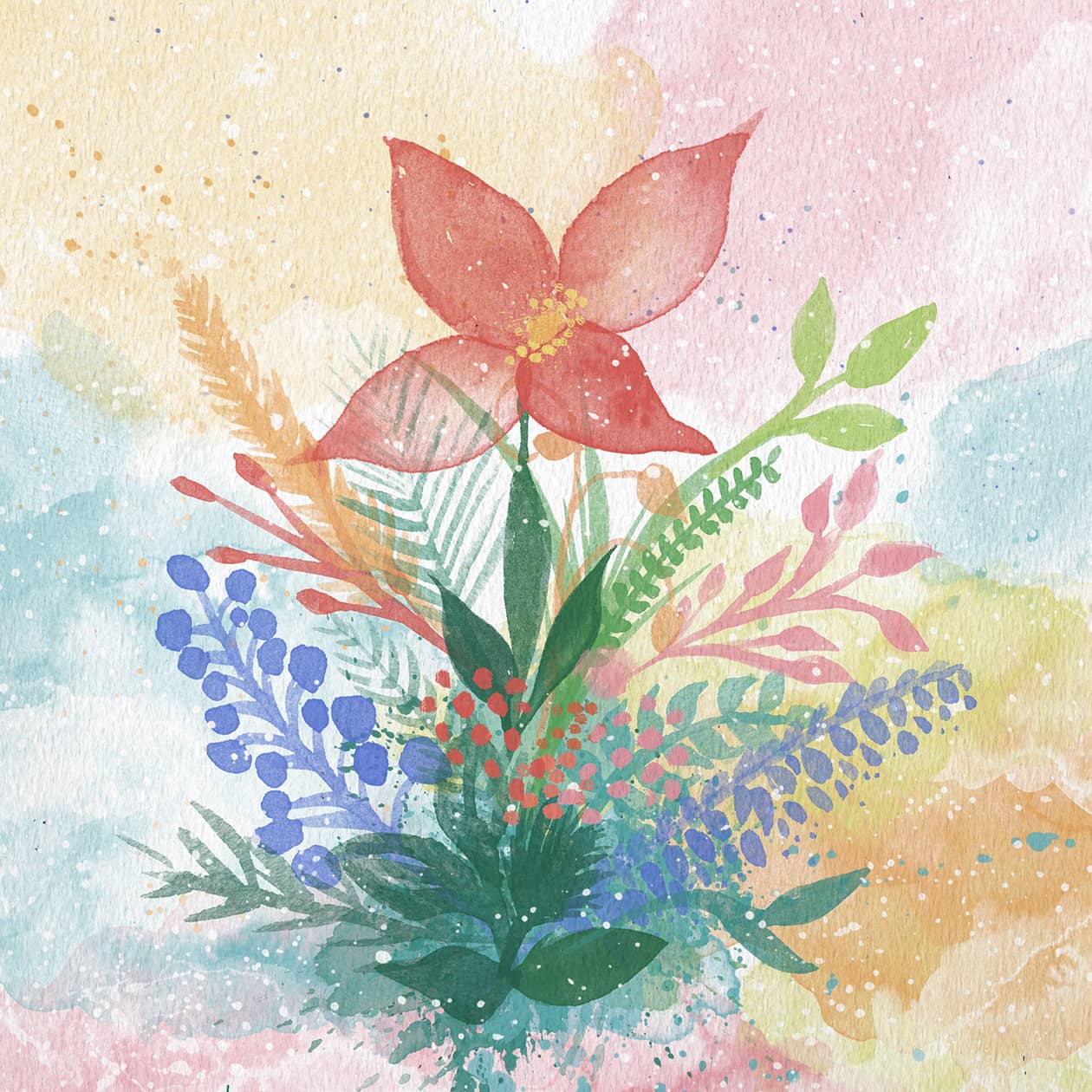
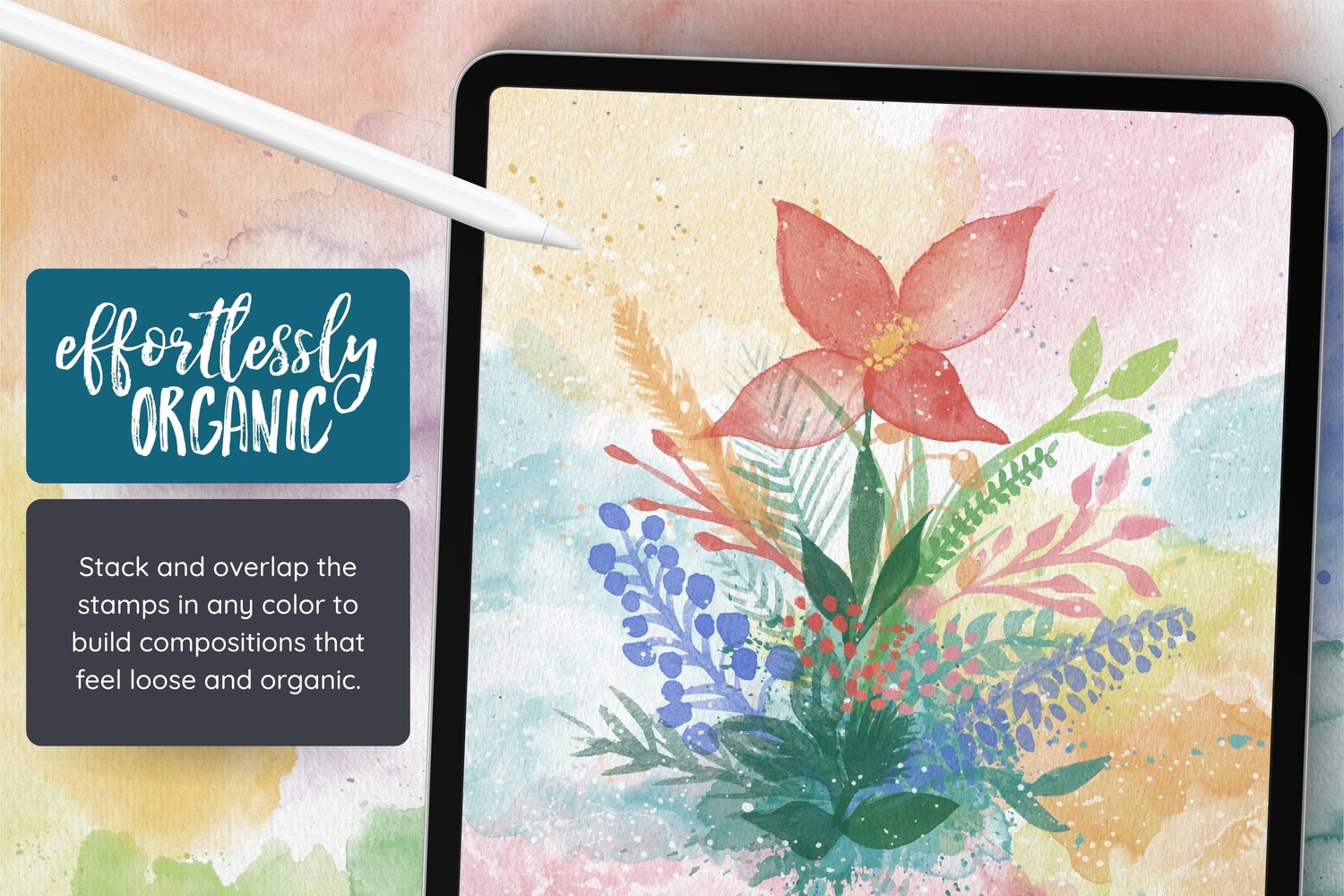
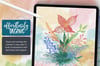
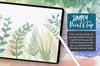
Today we're making a loose watercolor bouquet in Procreate, built up from stamp brushes. Flowers, leaves, a bit of greenery, and some splashes and splatters in the background. Nothing too precise, we're just arranging things until the bouq...
Read More
Watercolor Stamps for Procreate
On Sale
$17.00
$17.00
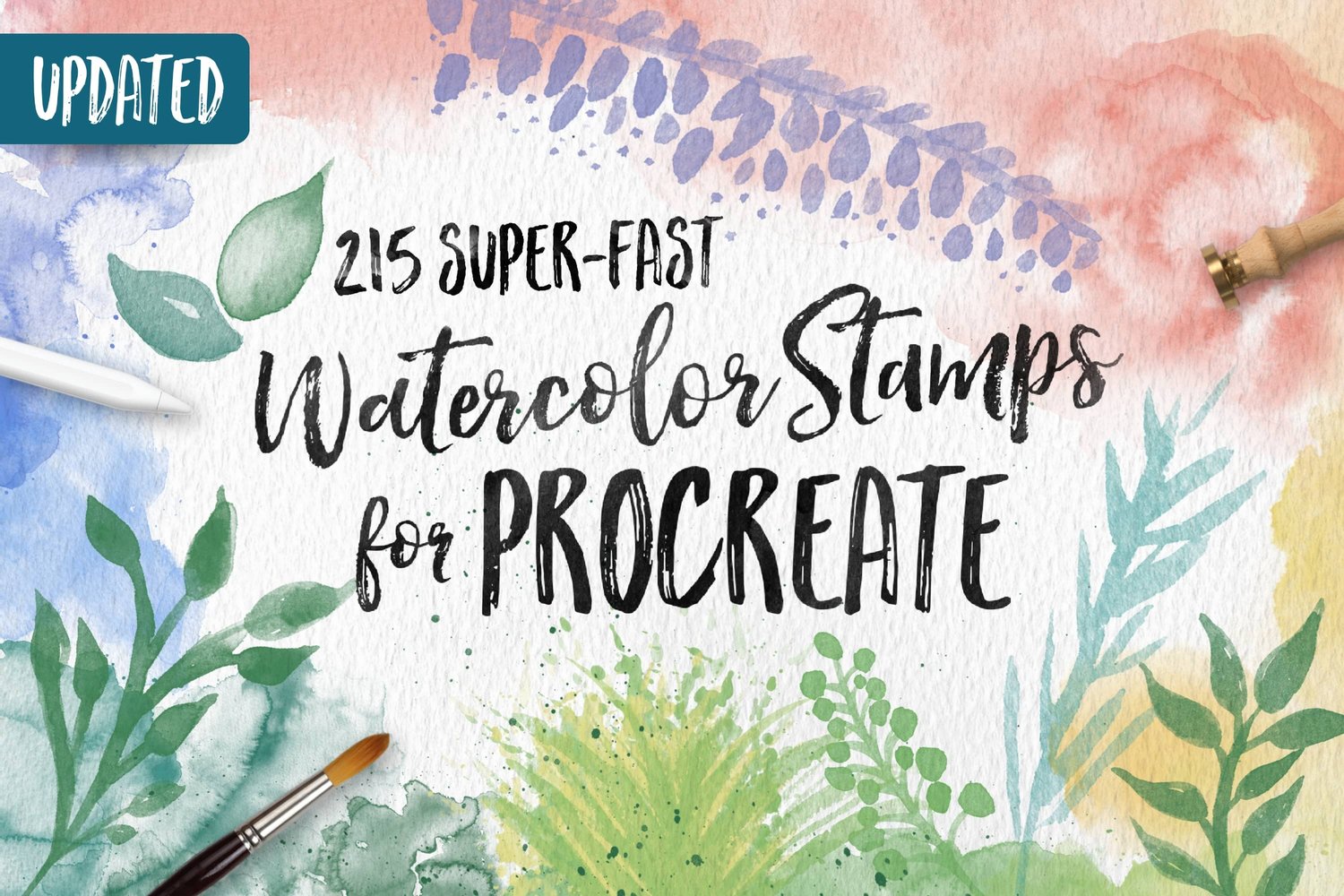
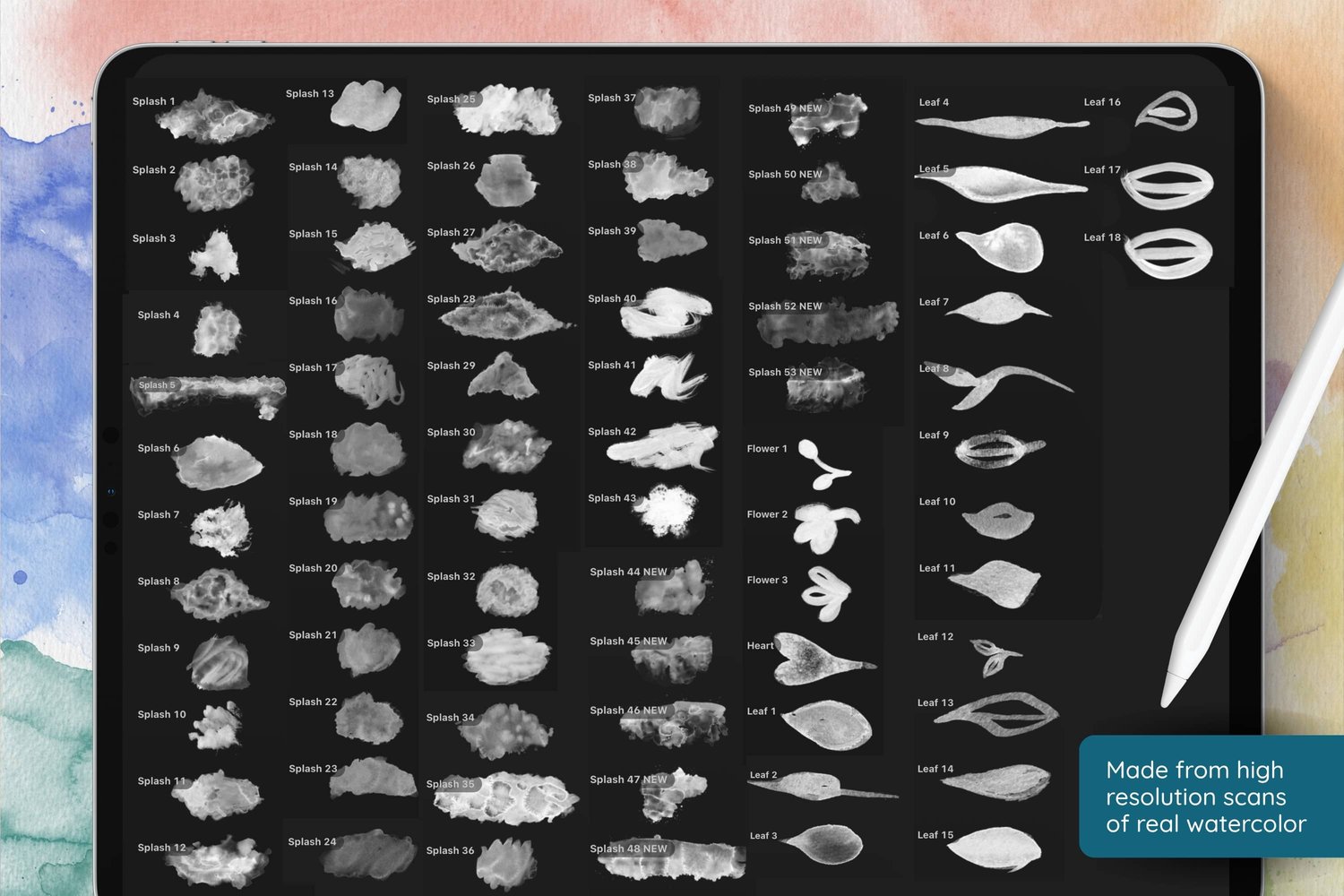
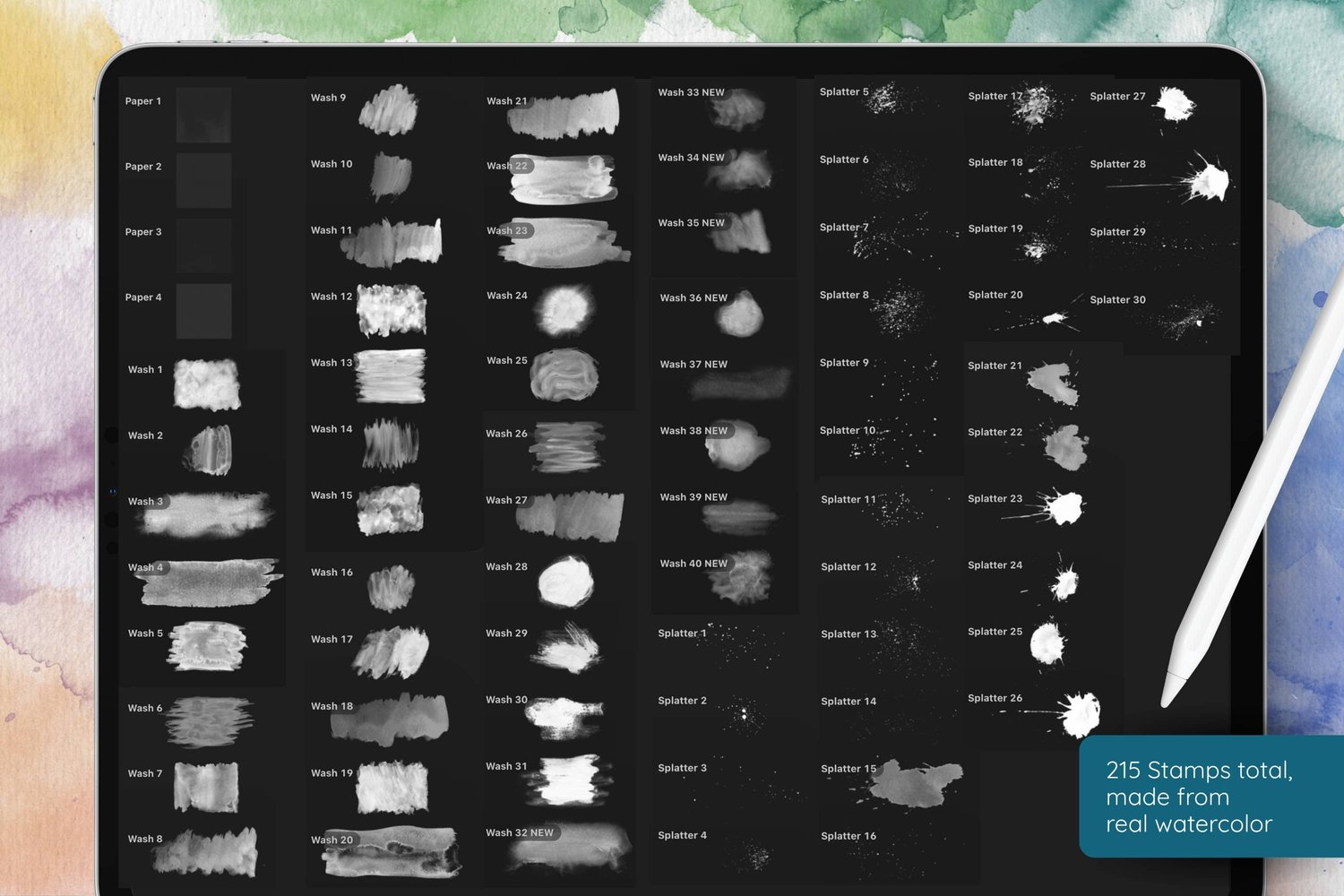
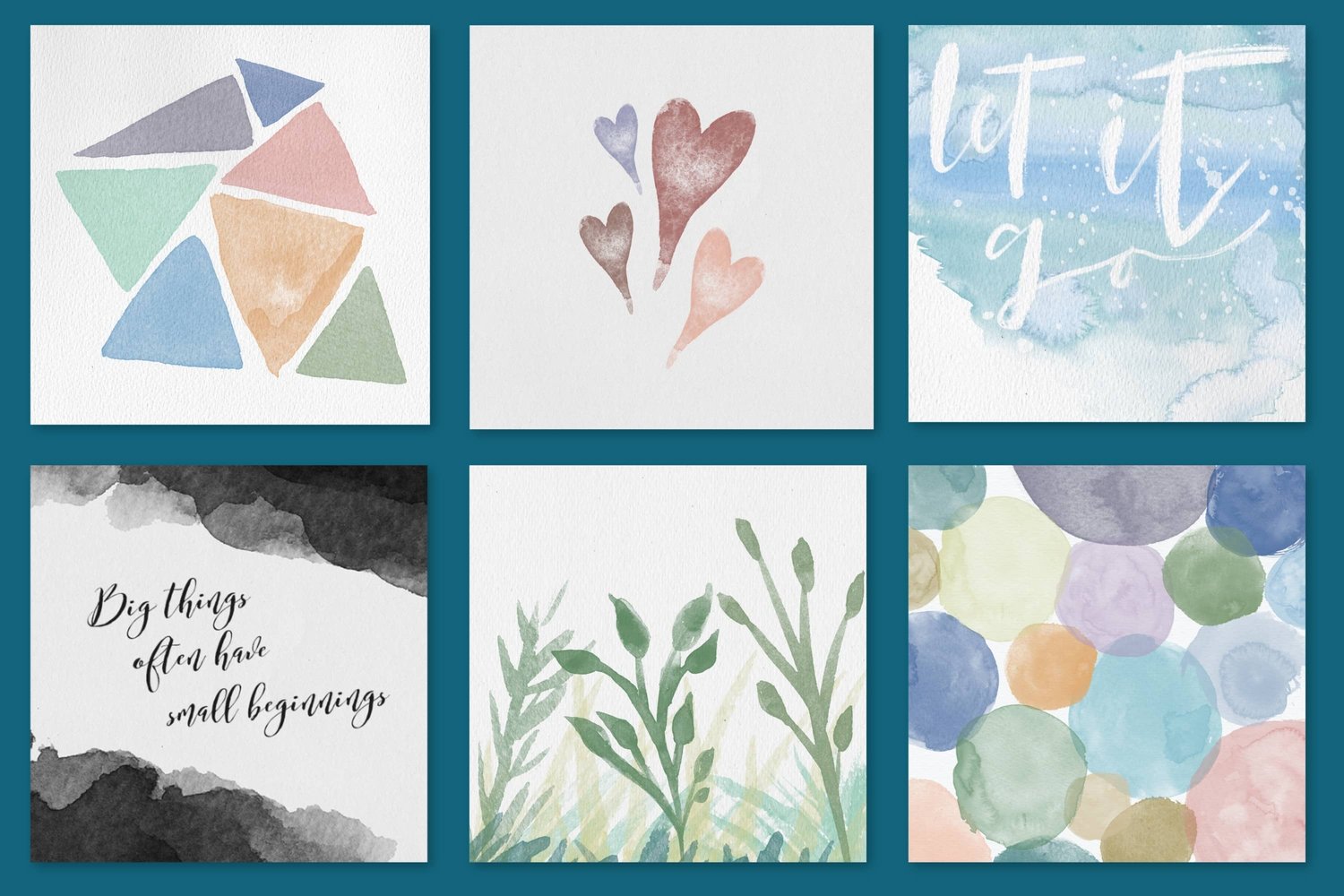
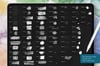
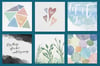
215 watercolor stamp brushes for Procreate, made from high resolution scans of real watercolor painted on real paper. Pick a stamp, pick a color, tap the screen, and a finished watercolor element lands on your canvas. No painting, no brushwork, no waiting for anything to dry.
To make these brushes, I spent a small fortune on professional watercolor supplies and countless hours of scanning at high res so that you can have completely organic, realistic watercolor accents for your projects. With 215 brushes to choose from, and the option of layering them over each other for countless combinations, you will always have something unique to work with.
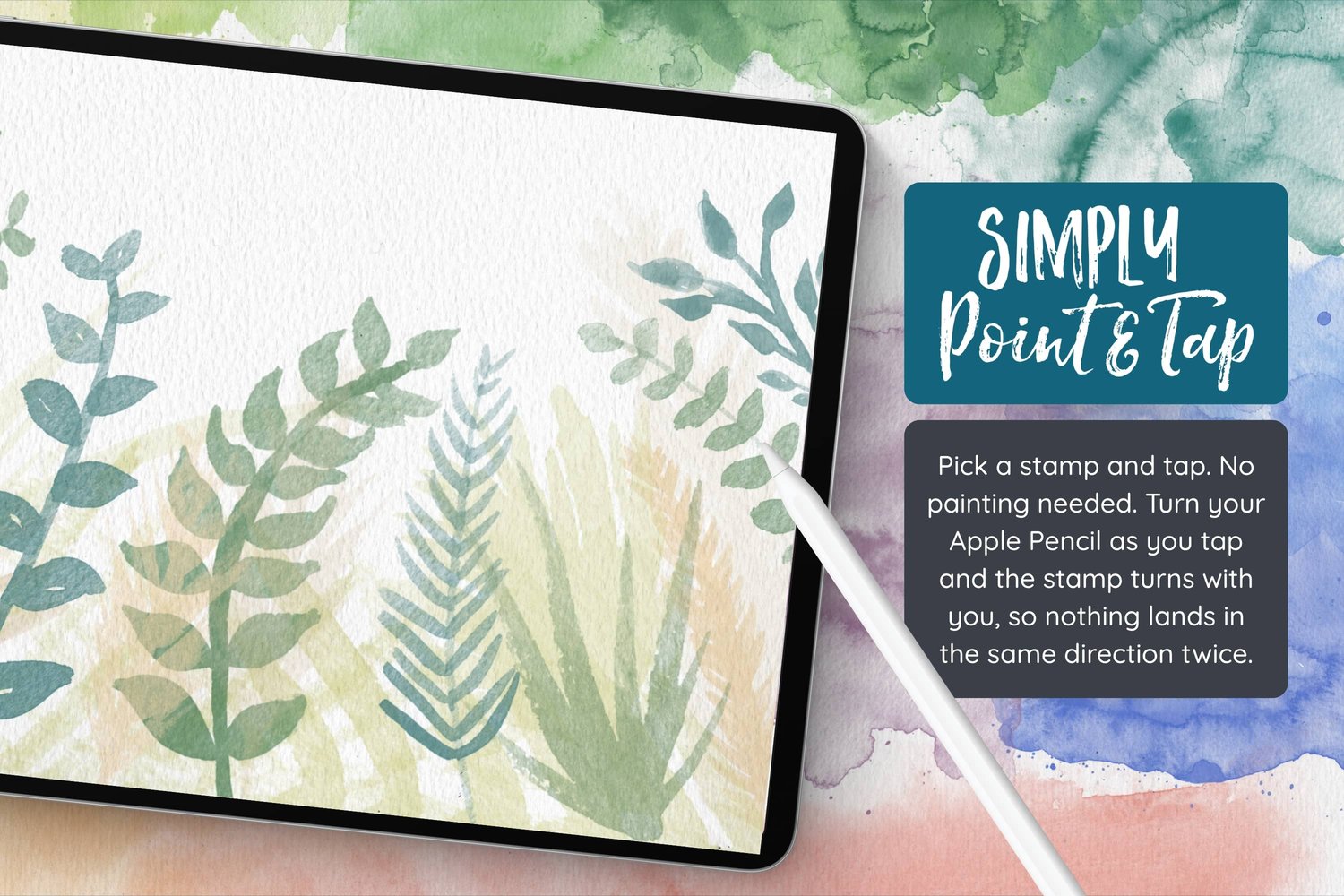
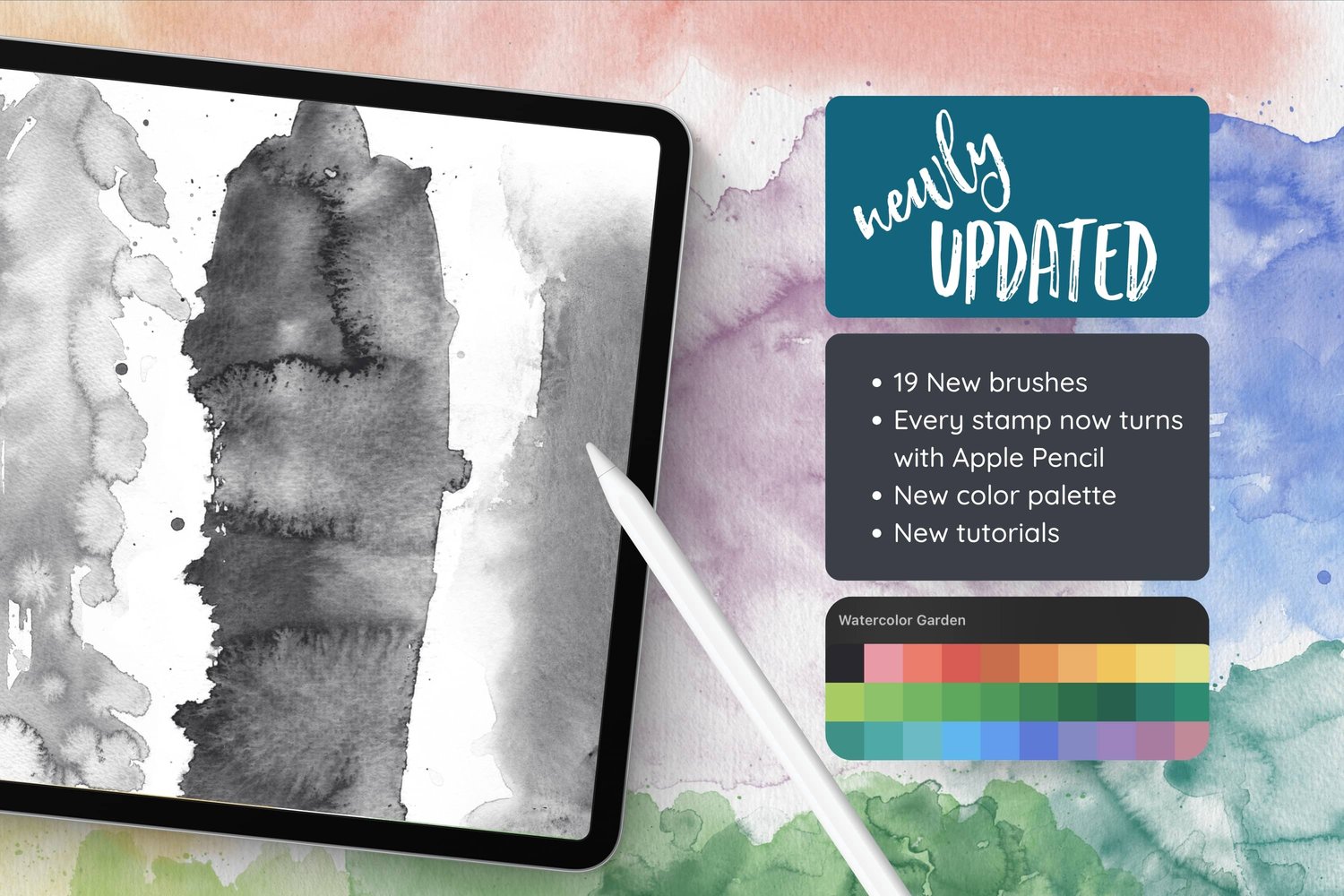
Every stamp turns with your Apple Pencil as you place it, so nothing has to land in the same direction twice, and they work beautifully in any color you choose. Stack and overlap them with element sitting on its own layer, so you can move, resize, rotate, and flip anything long after you've placed it, and keep rearranging until the composition feels right.
You are very welcome to join our free facebook community - a space where artists who use my brushes can share their work, inspire each other, share tips and ask questions. If you are interested in joining, we would love to have you!
If you need support, you can email me at hello@alainajensen.com and I will be very happy to help!
To make these brushes, I spent a small fortune on professional watercolor supplies and countless hours of scanning at high res so that you can have completely organic, realistic watercolor accents for your projects. With 215 brushes to choose from, and the option of layering them over each other for countless combinations, you will always have something unique to work with.
Every stamp turns with your Apple Pencil as you place it, so nothing has to land in the same direction twice, and they work beautifully in any color you choose. Stack and overlap them with element sitting on its own layer, so you can move, resize, rotate, and flip anything long after you've placed it, and keep rearranging until the composition feels right.
What's Included:
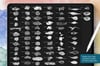
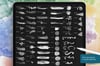
1 Brush folder (.brushset file), 1 color palette (.swatches file), and a PDF user guide. Files are installable in the Procreate iPad app, and will not work in any other application. An Apple Pencil is needed for the tilt feature.215 Procreate stamps (in one .brushset file):- Splashes (53): Irregular pools of paint with soft, unpredictable edges, from small blooms to broad sweeps of color.
- Washes (40): Broad areas of flat and mottled color for laying ground under everything else.
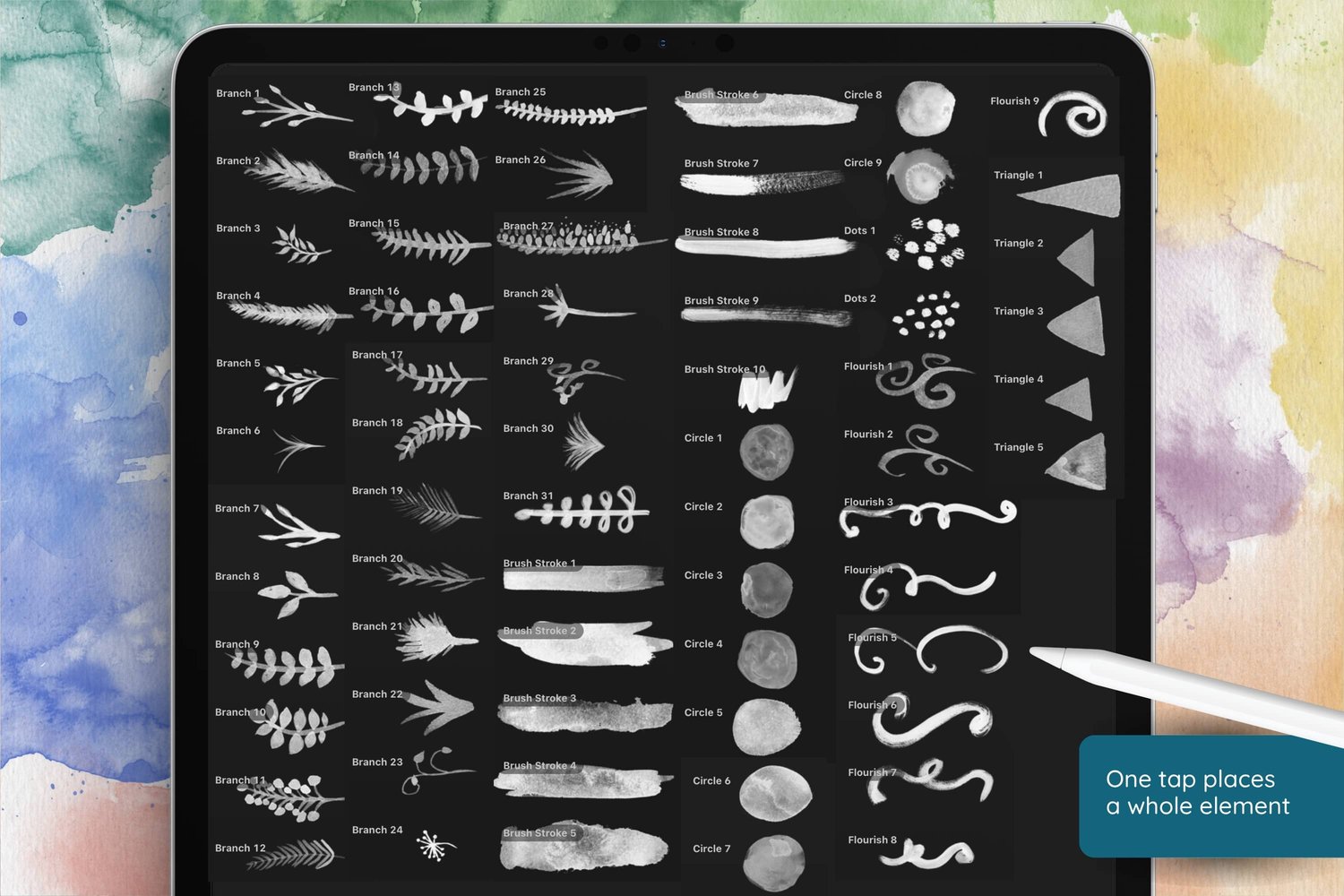
- Branches (31): Ready made sprigs and stems, some fine and feathery, some full and leafy, and enough on their own to carry a composition.
- Splatter (30): Flicked and scattered paint, the marks that make a piece look like it happened by hand.
- Leaves (18): Single leaves in a range of shapes, which double as petals when you arrange them around a center point.
- Brush Strokes (10): Clean painterly bands of color for borders, banners, and anything you want to letter over.
- Circles (9) and Triangles (5): Simple watercolor shapes with real paper texture in them.
- Flourishes (9): Loose painted curls and swashes for accents and decorative detail.
- Flowers (3), Dots (2), and a Heart: Small elements for finishing touches.
- Paper (4): Watercolor paper textures. These work differently from the rest. Stamp one in a dark color on a top layer, set the blend mode to Multiply or Linear Burn, and lower the opacity to give your finished piece the tooth and grain of real paper.
Also Including:
- 1 Color palette: Watercolor Garden.
- A written User Guide with brush previews, techniques, and project ideas.
- Commercial Use
- Video tutorials showing the stamps in use (see below).
- Free support: I am always happy to help with any questions or issues! For support, please send me an email at hello@alainajensen.com
You are very welcome to join our free facebook community - a space where artists who use my brushes can share their work, inspire each other, share tips and ask questions. If you are interested in joining, we would love to have you!
If you need support, you can email me at hello@alainajensen.com and I will be very happy to help!